28
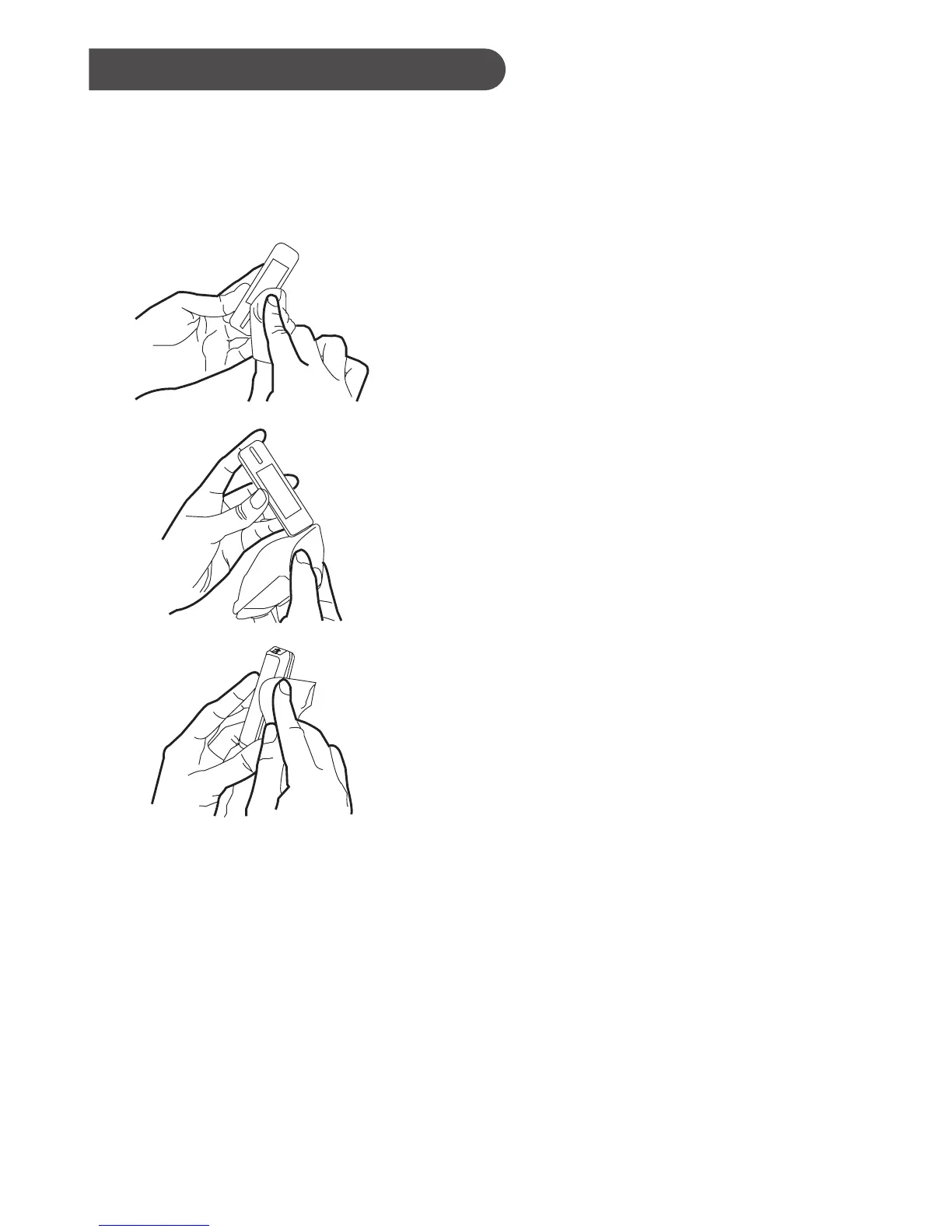
1. Take out one disinfecting wipe from the package and squeeze out any
excess liquid in order to prevent damage to the meter.
3. Allow the meter surface to dry completely.
4. Discard the used wipes and never reuse them. Wash your hands
thoroughly with soap and water after handling the meter, lancing device
and test strips to avoid contamination.
Improper system cleaning and disinfection may result in meter
malfunction. If you have a question, please contact customer service at
1-866-469-2632 for assistance.
Disinfecting Procedures
2. Wipe all meterʼs exterior surface
display and buttons. Hold the meter with
the test strip slot pointing down and
wipe the area around the test slot but be
careful not to allow excess liquid to get
inside. Keep the meter surface wet with
disinfection solution for a minimum of 2
minutes for Micro-Kill+™ wipes. Follow
the instructions on the package label of
disinfecting wipe.



 To Next Page