FORCE1 RC
14
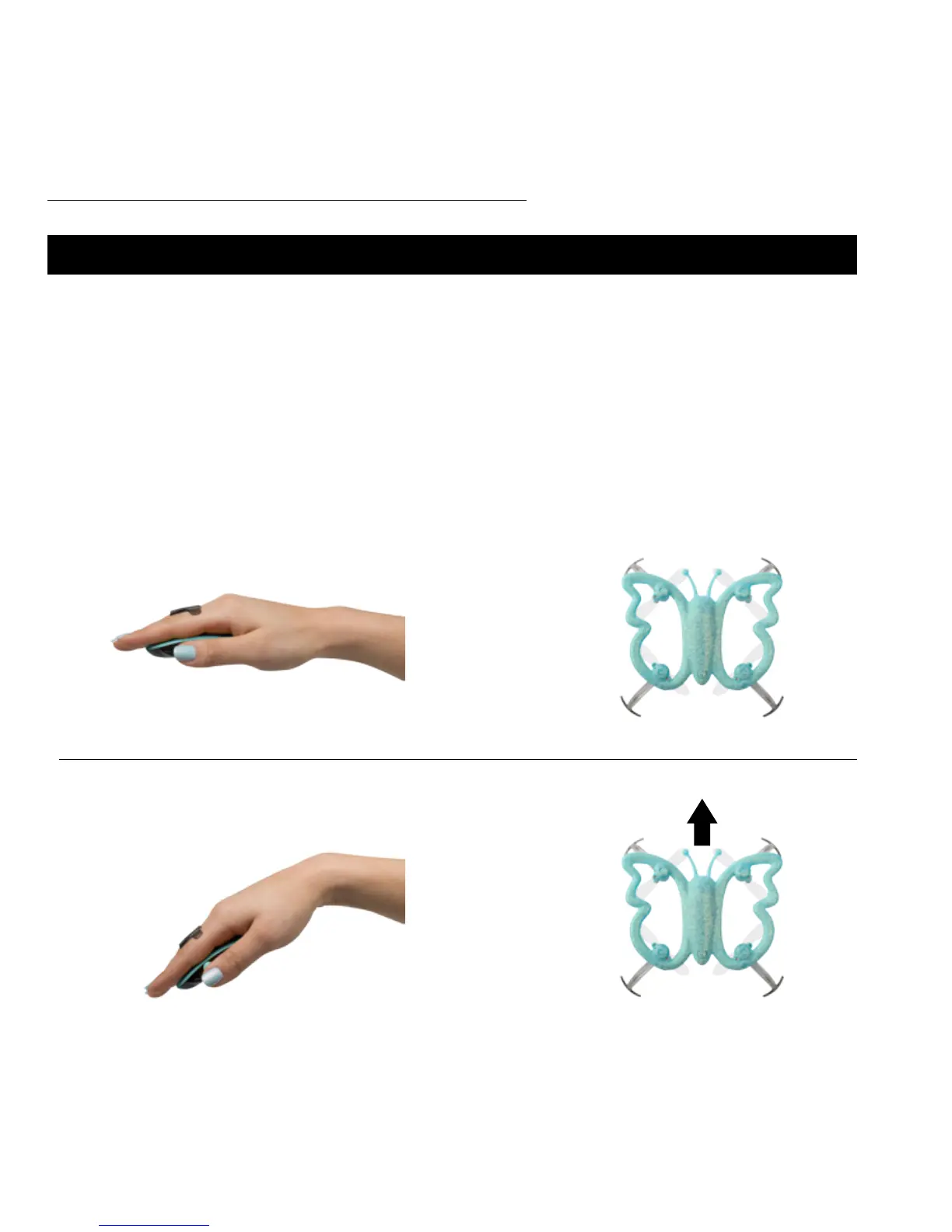
PALM DIRECTIONAL CONTROLS
Tilt the Palm Remote nose down to move the drone forward.
FORWARD
=
The drone will auto hover when hand is in at, neutral position.
HOVER
=
The Monarch is a motion-controlled drone. This means the drone’s ight is
controlled with your hand gestures! The Monarch will perform according
to coordinated hand and palm remote movements. The diverse motion-
control features are described in this section.



 To Next Page