EasyManua.ls Logo

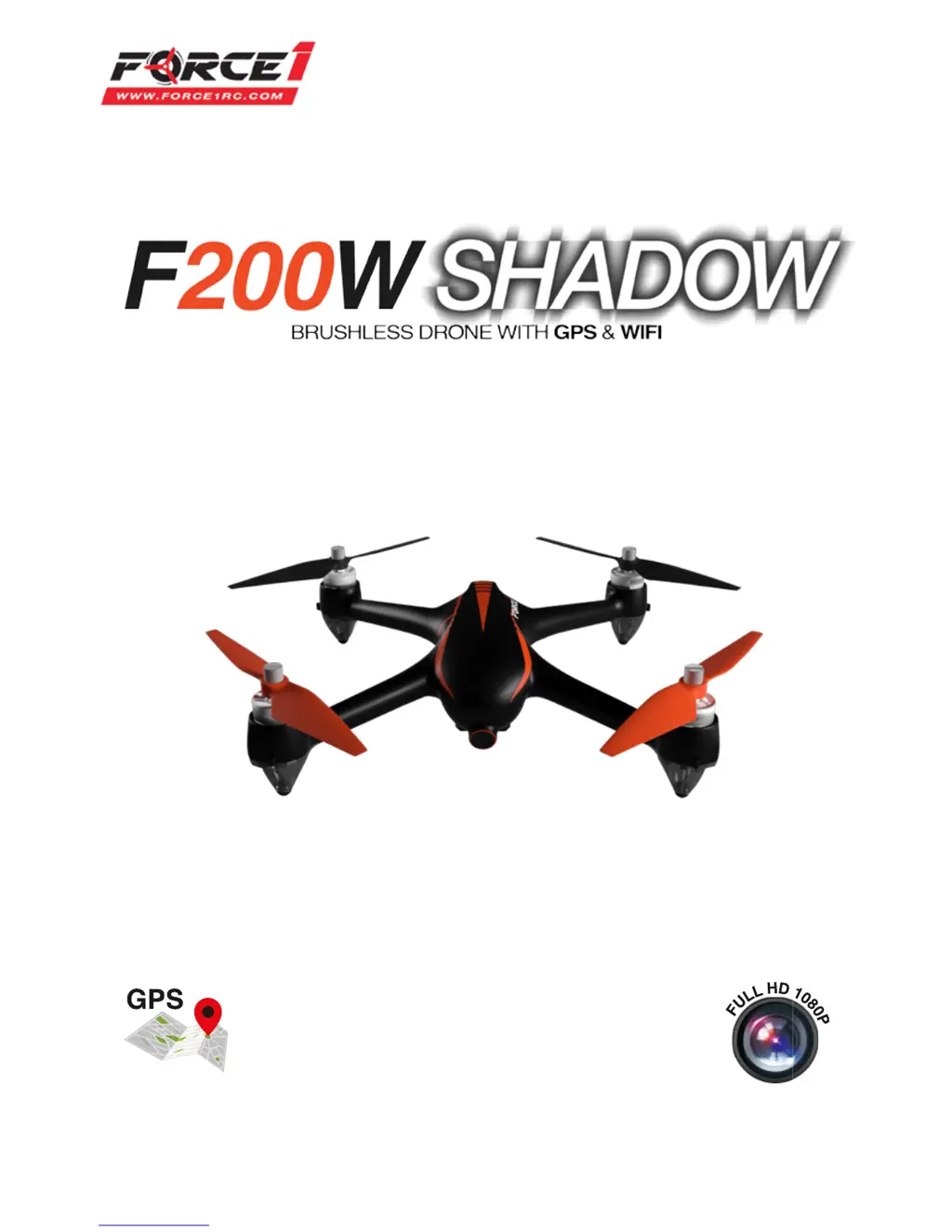
Force1 F200W SHADOW - User Manual

Force1 F200W SHADOW
27 pages
Print Icon
To Next Page IconTo Next Page
Loading...
USER MANUAL
Visit us online at force1rc.com for product information, replacement parts, and ight tutorials.
0.6 Miles
FOR MORE INFORMATION

Questions and Answers

  • L
    lhartmanAug 1, 2025
    What to do if my Force1 Drone fails to unlock?
    • W
      Whitney AllenAug 2, 2025
      If your Force1 drone fails to unlock, it could be due to a low battery. Try replacing or charging the battery. Alternatively, the drone might be in initialization status, so try re-calibrating the gyroscope.
  • A
    Aaron FlemingAug 7, 2025
    What to do if my Force1 Drone isn’t positioning properly?
    • D
      David HodgesAug 7, 2025
      If your Force1 Drone isn’t positioning properly, the GPS signal may be weak. Try flying in another location to resolve this issue.
  • W
    William RobinsonAug 12, 2025
    What to do if front and rear lights of Force1 Drone flash red, light green and green alternately and do not change?
    • B
      Brian EstradaAug 12, 2025
      If the front and rear lights of your Force1 Drone flash red, light green, and green alternately and do not change, complete the horizontal compass calibration steps. If the issue persists, the drone's compass may be broken and needs to be replaced.
  • L
    Linda Scott DVMAug 17, 2025
    Why is the return point of my Force1 Drone far away from the takeoff point?
    • C
      Casey BakerAug 17, 2025
      If the return point of your Force1 Drone is far from the takeoff point, it might be due to a weak GPS signal. Try flying in another location. It could also be that the drone couldn't receive a satellite signal during takeoff. In this case, fly the drone again when you have a GPS signal of 7 or more.
  • G
    Gabriela CooperAug 21, 2025
    Why are the front and rear lights of my Force1 Drone flashing green rapidly?
    • C
      Carolyn GonzalezAug 22, 2025
      If the front and rear lights of your Force1 Drone are flashing green rapidly, the transmitter may not be linked to the aircraft. You should complete the signal connection steps. Also, check to see if the drone is in a stationary state or recalibrate the gyroscope.
  • L
    Lori NelsonAug 27, 2025
    How to fix front and rear lights of Force1 Drone flashing light green alternately?
    • B
      Barry DennisAug 27, 2025
      If the front and rear lights of your Force1 Drone flash light green alternately, complete the vertical compass calibration steps. If that doesn't work, the compass of the drone might be broken and needs replacement.

Summary

Flight Instruction Video Warning

Li-Po Battery Care and Handling

Drone Battery Charging and Disposal

Transmitter Overview and LCD Display

Transmitter Battery Installation

Transmitter Channel Selection and Signal Connection

Drone Assembly: Battery and Components

Propeller Installation;Removal

Detailed steps for installing and removing the drone's propellers.

Calibration Procedures

Drone Compass Calibration

Steps for calibrating the drone's compass for accurate navigation.

Preflight Checklist

Essential checks to perform before each drone flight for safety and readiness.

Basic Flight Controls

Hover Up and Down

How to ascend and descend the drone using the throttle stick.

Drone Functions and Flight Modes

One-Key Takeoff; Landing

How to use the single button for automatic takeoff and landing.

Return to Home (RTH) Functions

Mobile App: Download and Pairing

Drone Indicator Light Status

Transmitter Indicator Light Status

Troubleshooting Common Issues

Force1 F200W SHADOW Specifications

General IconGeneral
BrandForce1
ModelF200W SHADOW
CategoryDrones
Charging Time60-80 minutes
Remote Control2.4 GHz
Camera720p HD
Battery3.7V Li-Po
FeaturesAltitude Hold, Headless Mode, One Key Takeoff/Landing
Age Recommendation14+ years

Related product manuals