F200W Shadow User Manual
9
TRANSMITTER SIGNAL CONNECTION
TRANSMITTER CHANNEL SELECTION
Keep the transmitter steady during this process, or it may result in signal connection failure.
CAUTION:
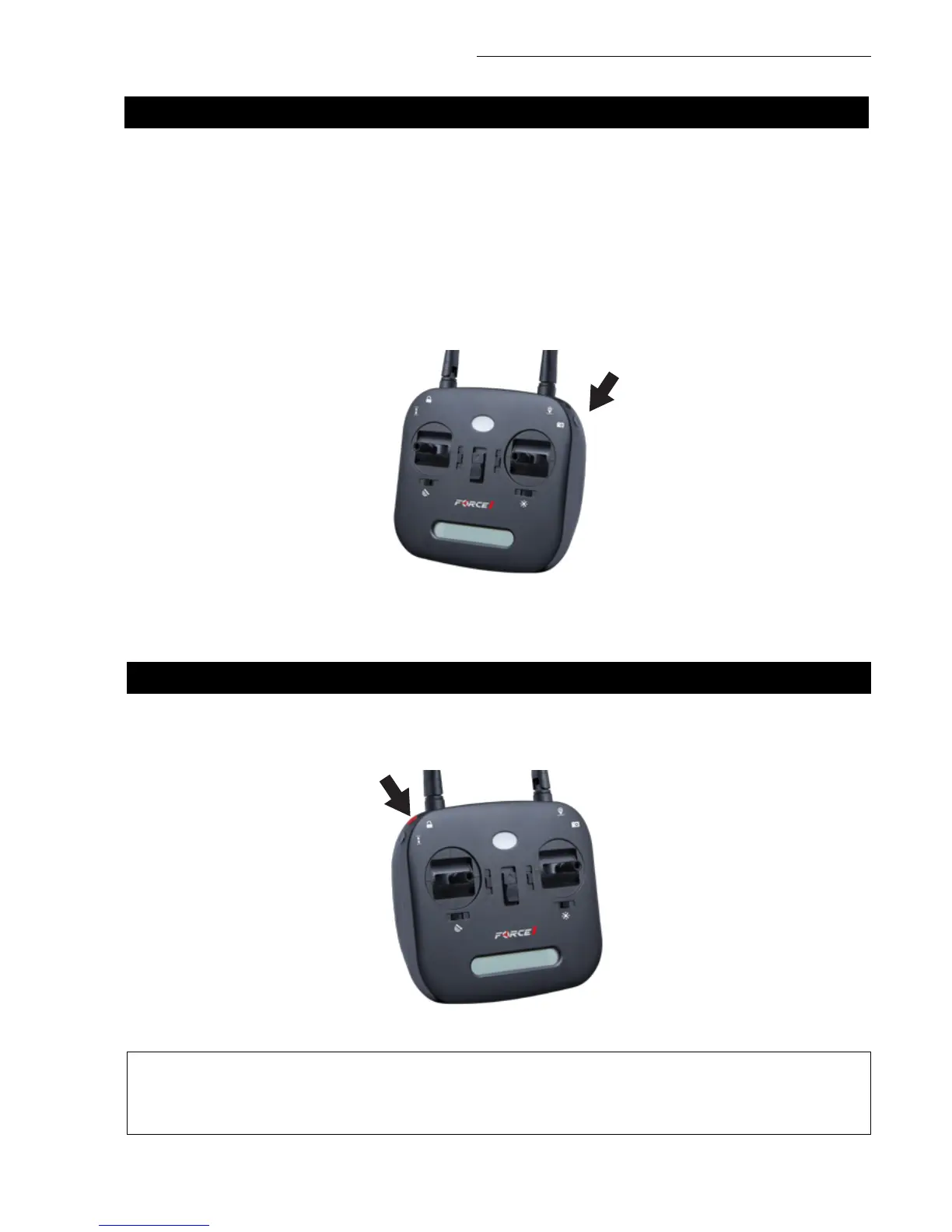
Press and hold the top-left red button and then power on the transmitter (Fig. 2). It will beep twice, and the
indicator light will flash as the transmitter establishes a GPS satellite signal. Flashing will stop when a signal
is found.
Your transmitter (remote controller) uses 5G Wi-Fi and works on channels 36 (5180 MHz) and 149 (5745
MHz), both of which are available in the United States. The factory default setting is channel 36.
Channel Selection
• Press and hold the bottom-right corner button until the transmitter beeps twice (Fig. 1)
• This indicates a switch between channels 36 and 149
FIGURE 2
NOTE
• You should see no difference in operation, as both channels work in the U.S.
• If you are outside the U.S., contact support@force1rc.com for more detailed frequency info
FIGURE 1



 To Next Page