FORCE1 RC
16
FUNCTIONS
ONE-KEY TAKEOFF / LANDING
GESTURE MODE
GPS MODE
HEADLESS MODE
•
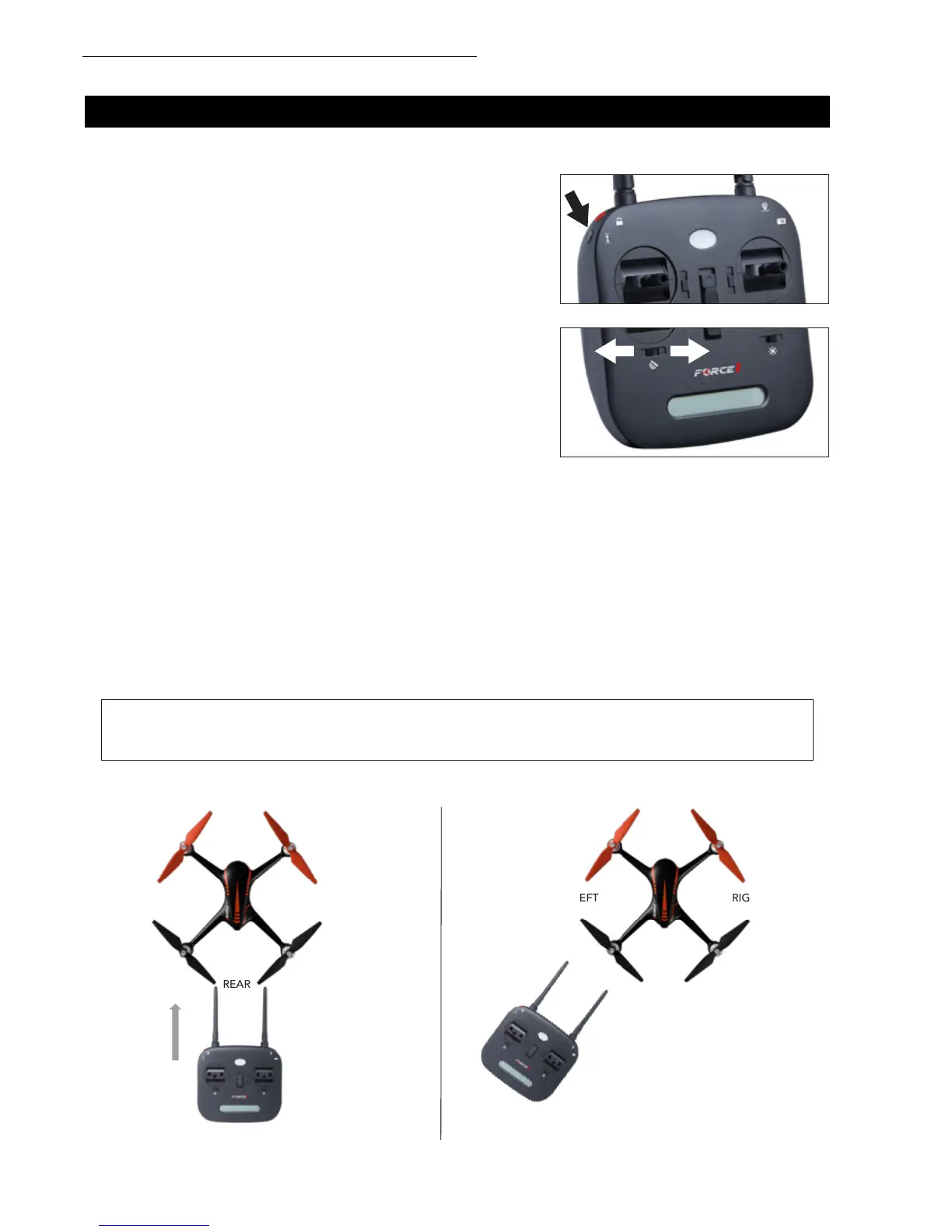
After the drone is unlocked, press the one-key button (Fig.
12). The drone will automatically take off and hover at an
altitude of around 5 feet
• When the drone is ying, press the one-key button; drone
will automatically land
To activate Gesture Mode, slide the Gesture/GPS button to
position A (Fig. 13). In Gesture Mode, the drone uses its barometer
to maintain altitude rather than GPS. It cannot y with precise
positioning and hovering. Gesture Mode requires a skilled pilot.
In GPS mode, the drone can precisely position and hover using the GPS module. To activate GPS mode,
slide the Gesture/GPS button to position B (Fig. 13).
FRONT
REAR
RIGHTLEFT
Headless Mode allows you to fly your drone without knowing its orientation. Slide the Headless Mode
button to position B. When the drone is in Headless Mode, push the right stick forward/backward/left/
right and the drone will fly accordingly.
Prerequisite: Position the drone in such a way that its front is your front (Fig. 14).
FRONT
REAR
RIGHTLEFT
✔ ✖
FIGURE 14 FIGURE 15
FIGURE 12
FIGURE 13
TIP: Do not change the orientation of the transmitter (Fig. 15) after entering Headless Mode.



 To Next Page