F200W Shadow User Manual
21
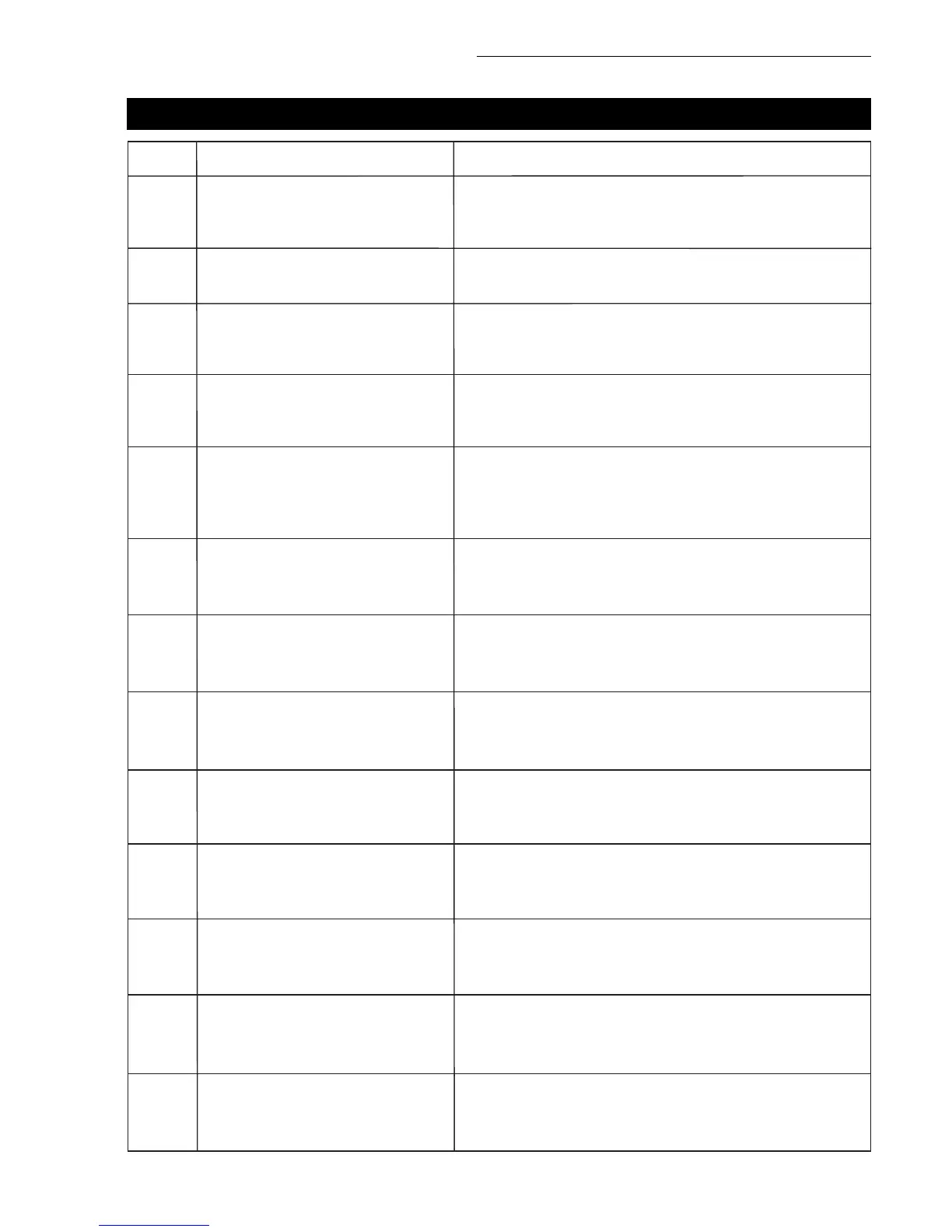
DRONE INDICATOR LIGHT
The front and rear lights of the
drone flash light green rapidly.
The transmitter is not linked to the aircraft, and it
requires completing the signal connection steps.
The drone is in initialization detection mode.
No GPS signal, the drone is in gesture mode.
Good GPS signal, drone is preparing for GPS mode.
The drone is nearly low voltage, 1/4 of the battery is left.
The drone is in low voltage, only 1/6 of the battery is
remaining.
Something is wrong with the gyroscope.
Something is wrong with the barometer.
Something is wrong with the compass.
Something is wrong with the GPS module.
The drone is in gyroscope calibration mode.
The drone is in horizontal compass calibration.
The drone is in vertical compass calibration.
The front and rear lights of the
drone alternate flashing green,
red and light green.
The front lights glow solid red, the
rear lights glow solid green.
The front lights glow solid red, the
rear lights flash red slowly.
The front lights glow solid red, the
rear lights flash red rapidly.
The front and rear lights flash
once, then stop for 1.5 seconds.
The front and rear lights flash
twice, then stop for 1.5 seconds.
The front and rear lights flash three
times, then stop for 1.5 seconds.
The front and rear lights flash four
times, then stop for 1.5 seconds.
Front and rear lights flash green
rapidly.
The front and rear lights alternate
flashing light green.
The front and rear lights alternate
flashing green.
The front lights glow solid red, the
rear lights glow solid light green.
STATUS DESCRIPTIONNO.
1
2
3
4
5
6
7
8
9
10
11
12
13



 To Next Page