Next Generation Firewall Hardware Guide | Models N120W, N120WL,and N120L
Indicator Color Description
Red The appliance is in a standby state.
SSD Green
Flashes on disk activity.
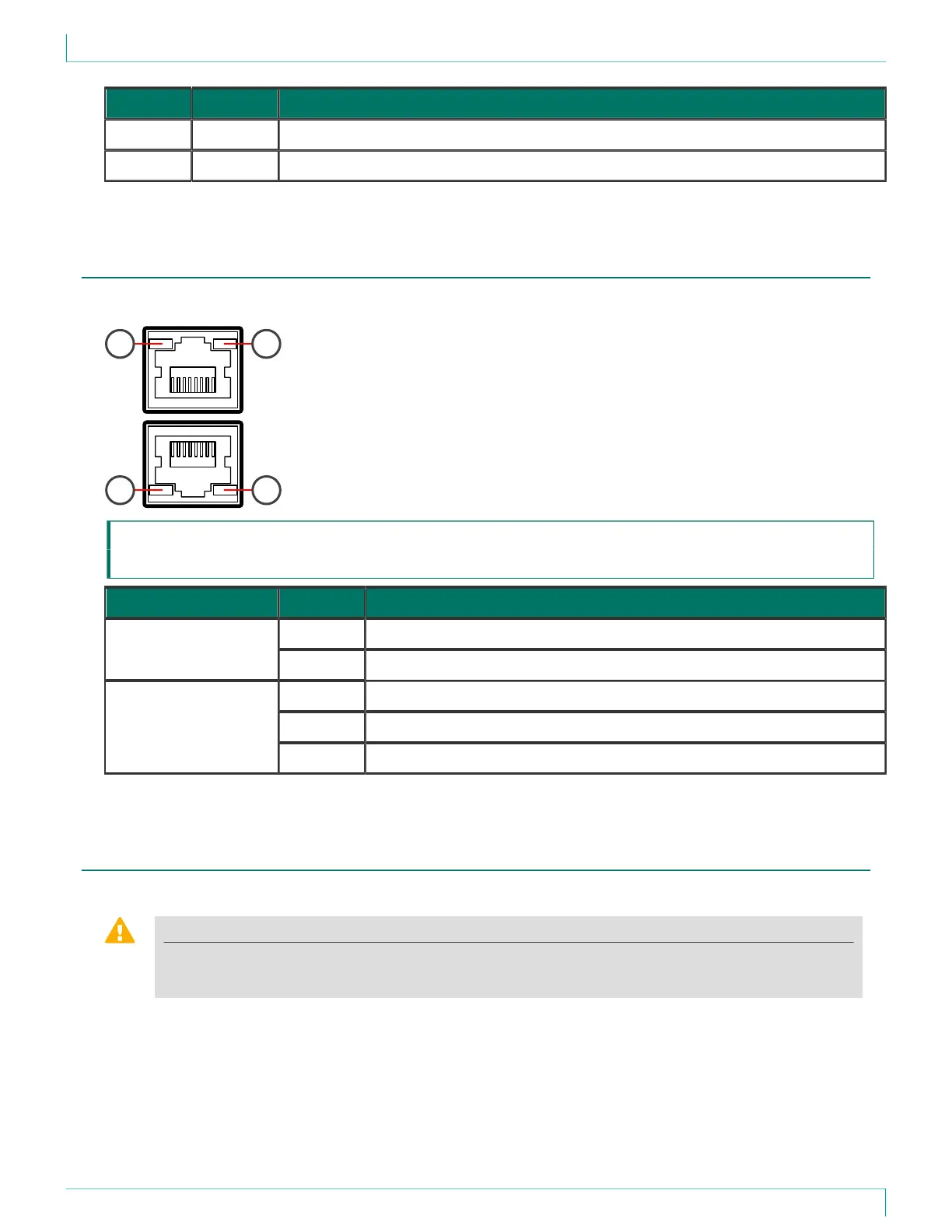
Ethernet port indicators
Ethernet port indicators show the status and speed of the network ports.
1 2
1 2
1 Activity/link indicator
2 Link speed indicator
Indicator Color Description
Green Steady when link is present. Flashes on activity.Activity/link indicator
Unlit No link.
Unlit
10 Mbps link.
Amber 100 Mbps link.
Link speed indicator
Green 1 Gbps link.
Precautions
The precautions provide safety guidance when working with Forcepoint appliances and electrical equipment.
CAUTION
Forcepoint appliances cannot be serviced by end users. Never open the appliance covers for any
reason. Doing so can lead to serious injury and void the hardware warranty.
For additional safety information, see the Forcepoint Product Safety and Regulatory Compliance Guide.
14



 To Next Page