V20000 G1, V10000 G4R1, V10000 G4R2 10GbE NIC Installation Guide
2 10GbE PCI NIC
V20000 G1 and V10000 G4R2 installation procedure
Installation Guide | 10GbE PCI NIC | v8.4.0 and higher
Opening the appliance
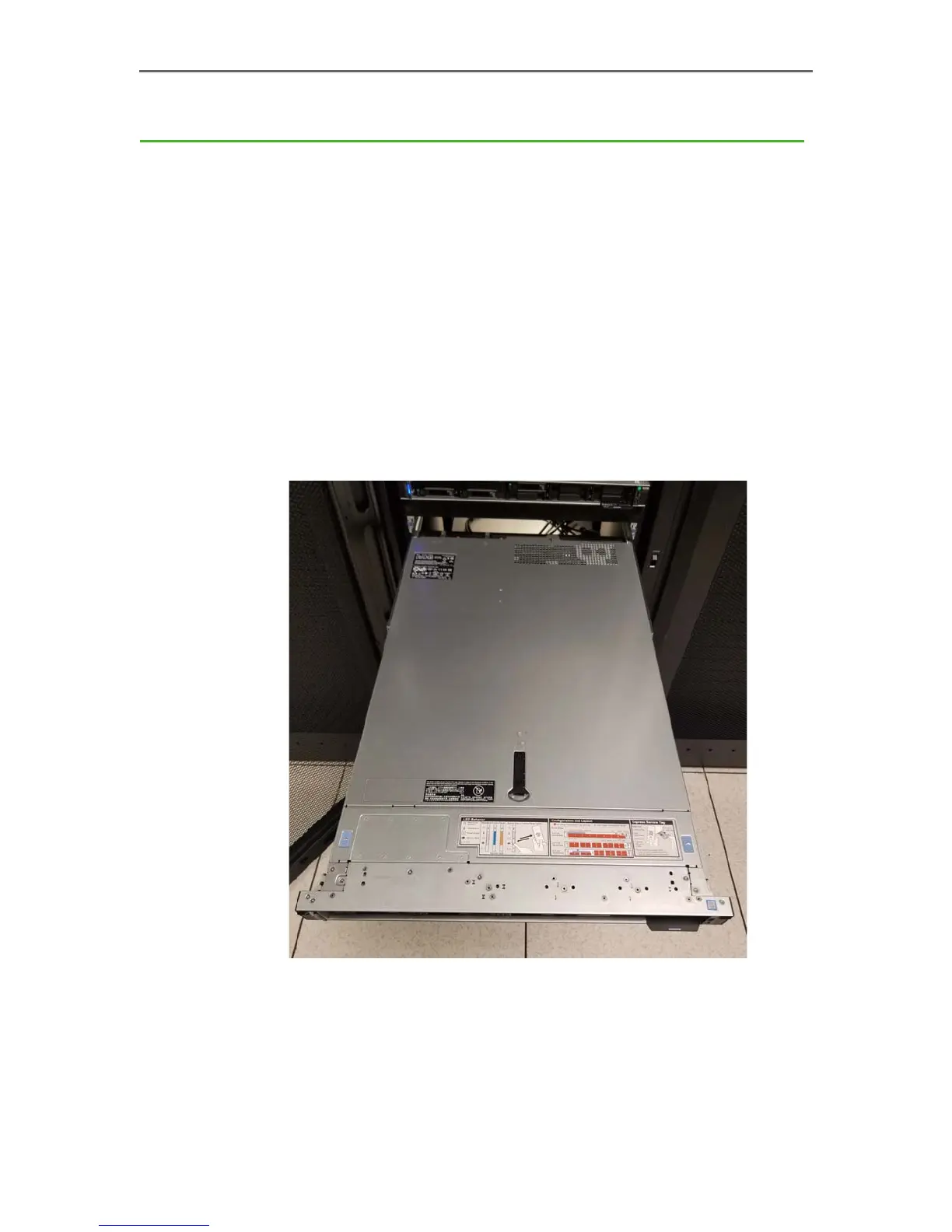
Pulling the appliance from the rack
The V10000 and V20000 Forcepoint Security Appliances are typically mounted in a
standard 19” rack.
To remove the appliance from the rack:
1. Power off the appliance and remove the cables from the back of the unit.
2. Flip out the pull tabs on either side of the appliance.
3. Using the tabs, pull the appliance straight out from the rack.
Opening the appliance
To open the V10000 G4R2 or V20000 G1 appliance:
1. Turn the case lock (black screw in the middle of the black tab on the lid) to
the open position.
2. Lift the tab all the way up and the cover should slide back.



 To Next Page