V20000 G1, V10000 G4R1, V10000 G4R2 10GbE NIC Installation Guide
6 10GbE PCI NIC
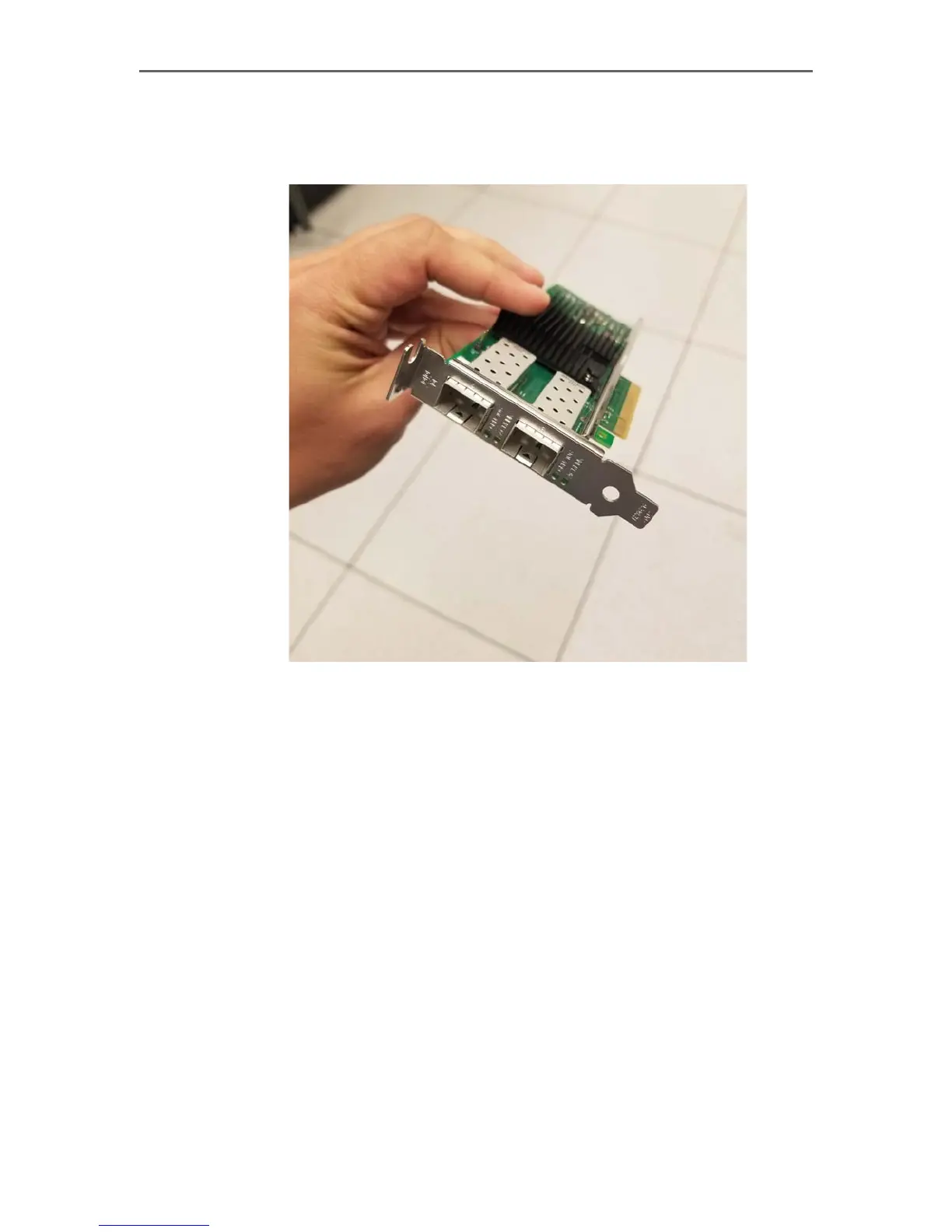
4. Insert the new dual-port 10GbE fiber card into its place, close the tab, and
slide the holder back in. Make sure that the low-profile PCI-E bracket is
attached to the new card.
Installing a 10GbE card for the E1 and E2 interfaces
If you are also upgrading the E1 and E2 interfaces to use 10GbE fiber ports, this will
require installing a new PCI-E card on the same riser as the P1/P2 interfaces. Once
this card is installed, the existing copper E1/E2 interfaces will no longer be used.
To install fiber NICs for the E1 and E2 interfaces:



 To Next Page