Installation Guide 3
V20000 G1, V10000 G4R1, V10000 G4R2 10GbE NIC Installation Guide
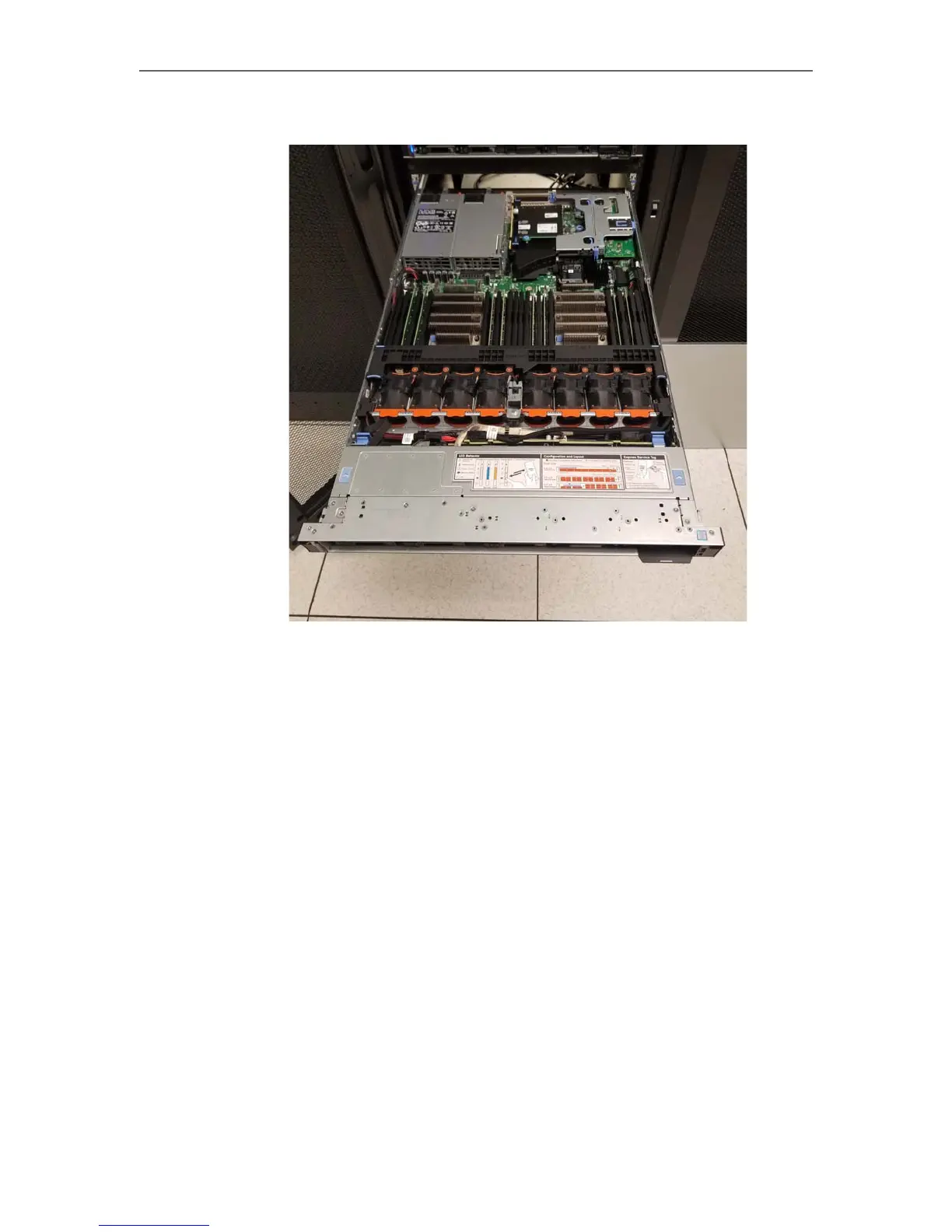
3. Remove the top cover completely and set aside.
Removing the dual PCI-E card riser
To remove the PCI-Express expansion card riser, located at the back right side of the
appliance (when viewing from the front):
1. Locate the two sets of blue tabs. In each set, place your thumb and index
finger on either side.



 To Next Page