V20000 G1, V10000 G4R1, V10000 G4R2 10GbE NIC Installation Guide
4 10GbE PCI NIC
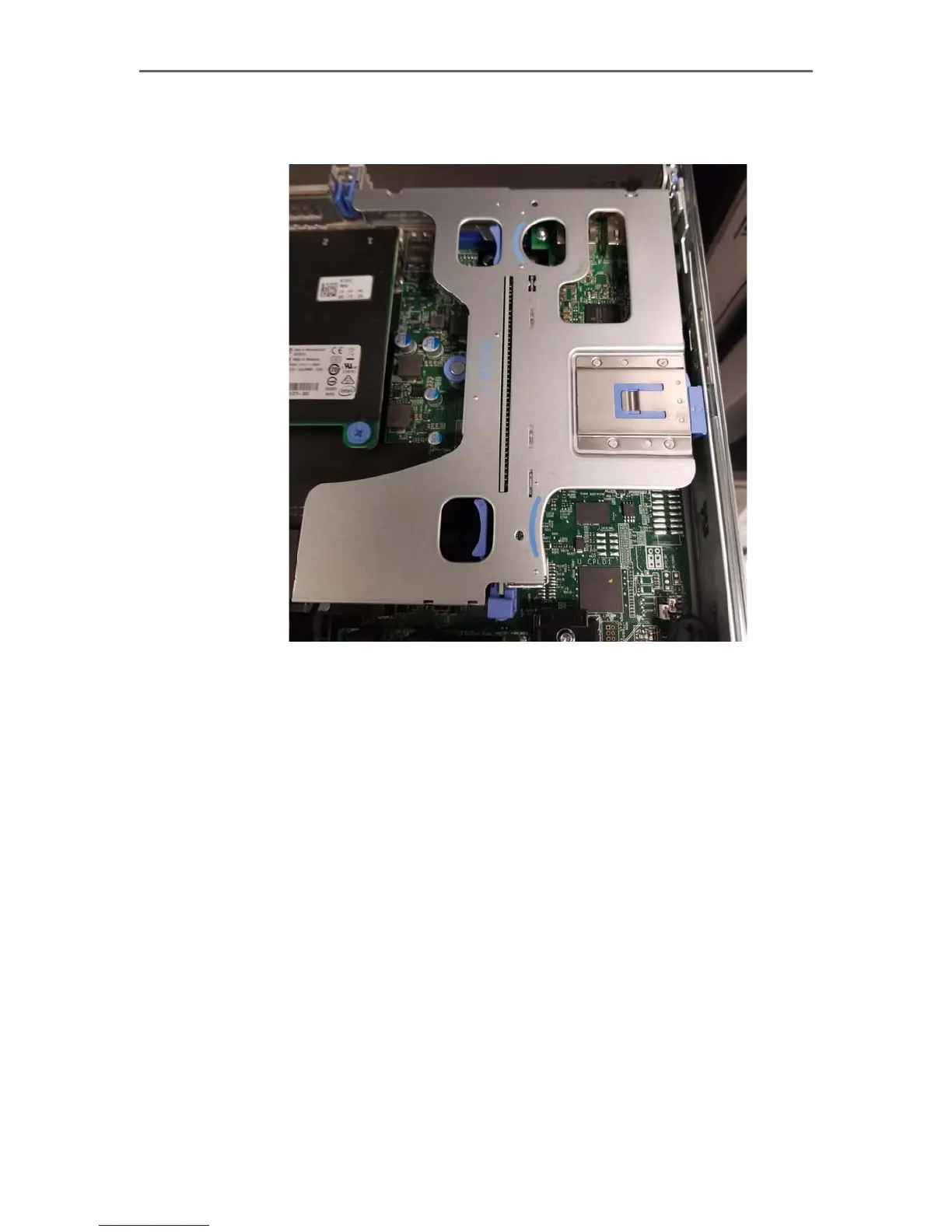
2. Using both hands, squeeze the sets of tabs together and gently lift the PCI-E
riser up and out of the appliance
.
NIC upgrade and replacement
Replacing the P1 and P2 interfaces
To upgrade the P1 and P2 interfaces to use 10GbE fiber ports, you will need to replace
the existing 1GbE dual-port copper NIC with a new dual-port 10GbE NIC:
1. Lift the blue tab at the top of the NIC on the riser card.



 To Next Page