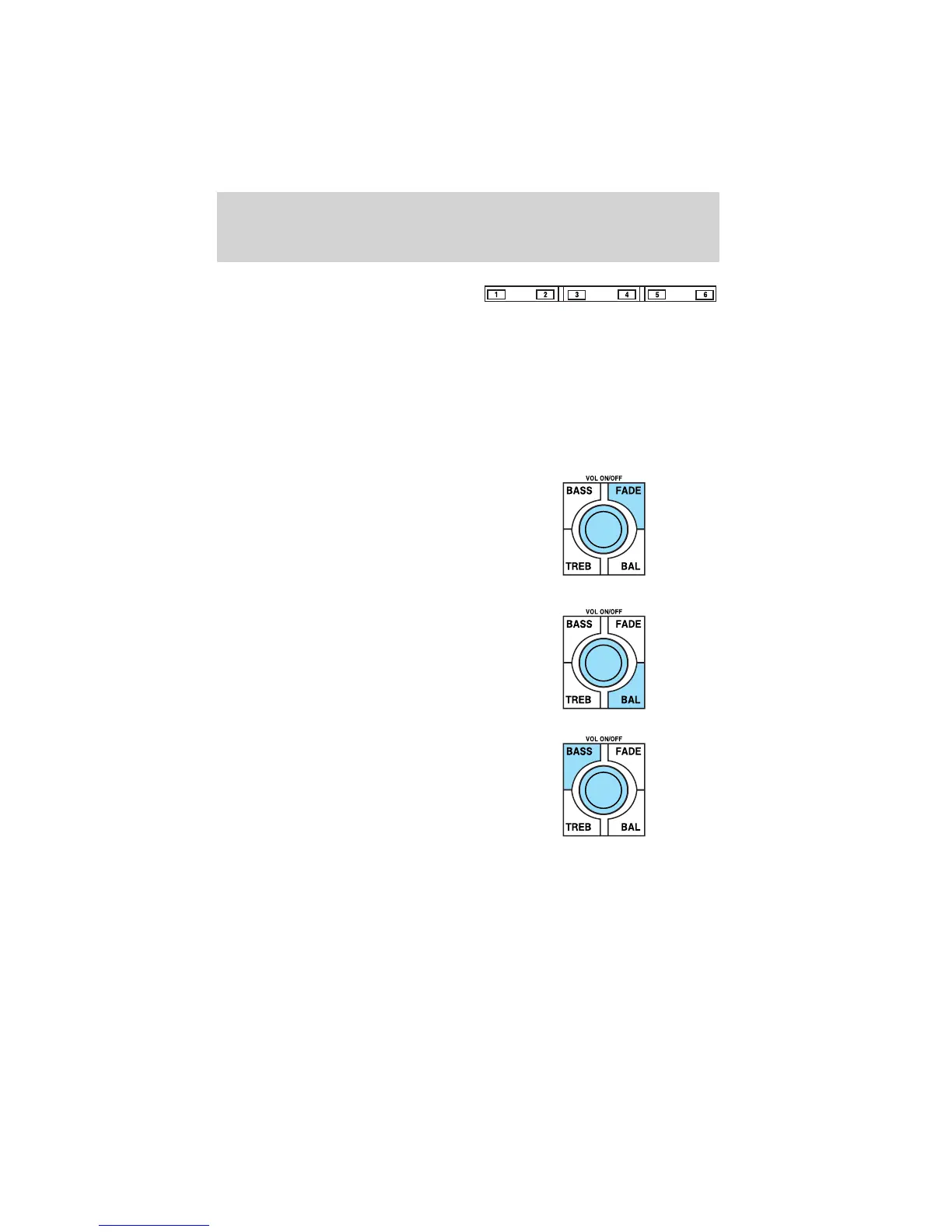
6. Memory presets: To set a
station: Select frequency band
AM/FM; tune to a station, press and
hold a preset button until sound returns. With a CD, press the preset
control that corresponds to the desired disc. CD 1–01. CD 3–01, NO
DISC or NO DISCS will be displayed depending on what preset button
was selected.
AutoStore: AutoStore allows you to set strong radio stations on the FM
band without losing your original manually set preset stations. Press and
hold AM/FM to activate. AST will flash in the display. When the six
strongest stations are filled, the sound will be restored.
7. Fade: Press FADE; turn the
volume control to shift sound to the
rear/front speakers. The display will
indicate the level selected.
Balance: Press BAL; turn the
volume control to shift sound to the
left/right speakers. The display will
indicate the level selected.
8. Bass: Press BASS to adjust the
bass levels. Turn the volume control
to decrease/increase the bass
output.
Entertainment Systems
25












 To Next Page