17. Balance: Press BAL then turn
the volume control to adjust the
audio between the left and right
speakers. The selected level will appear in the display.
18. Bass: Press to adjust the bass
levels. Turn the volume control to
increase/decrease levels. The
selected level will appear in the display.
19. Treble: Press to adjust the
treble levels. Turn the volume
control to increase/decrease levels.
The selected level will appear in the display.
20. Eq: Press to activate the
equalizer.
21. Eject: Press to eject the
CD/MP3.
22. RDS (Radio Data System):
The system is equipped with a
decoder that receives special signals
transmitted on the FM frequency. The station’s name and information
will show in the display. Press RDS repeatedly to turn the feature on/off.
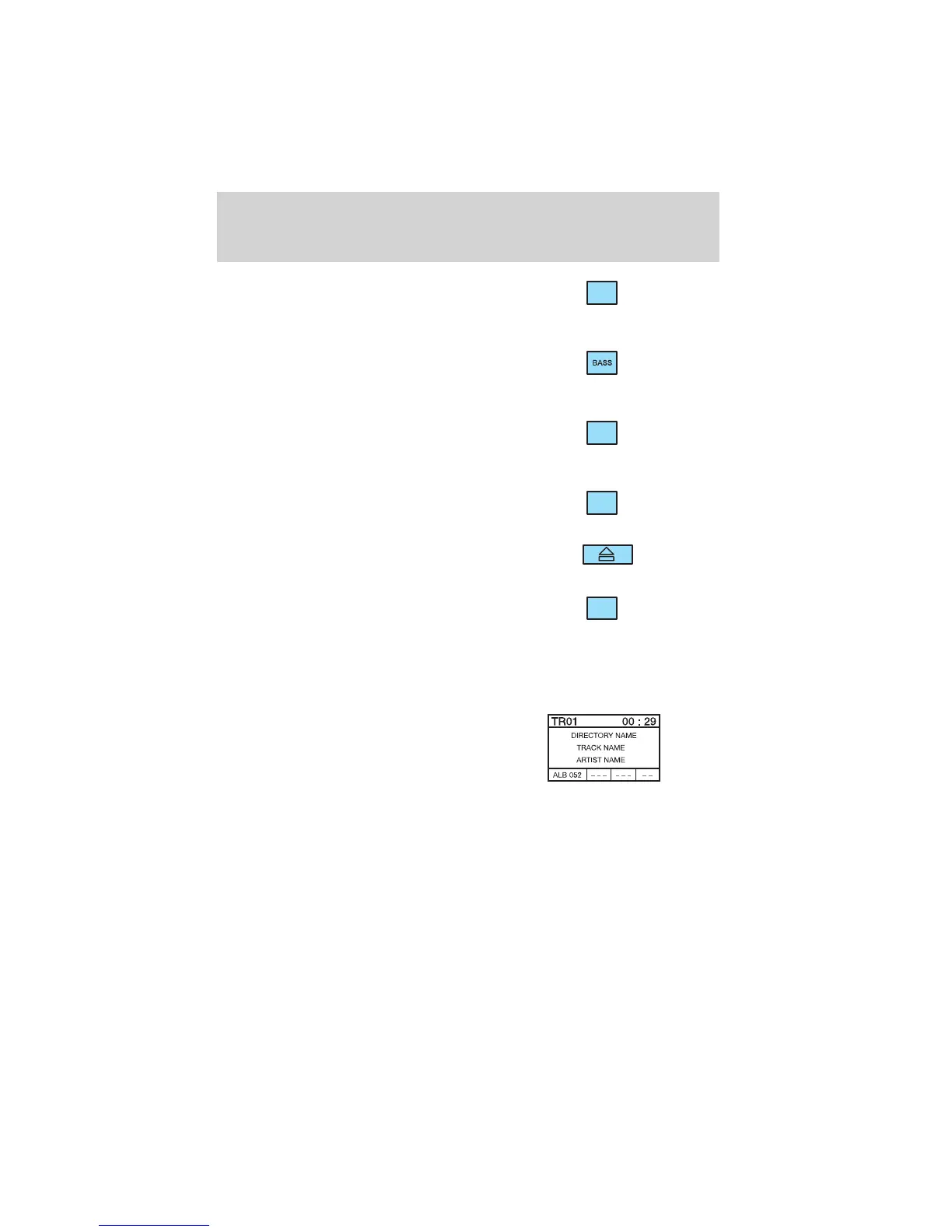
MP3 INFORMATION
• When the system is playing an
MP3 disc, the directory name,
track name and artist name are
shown in the display. The
directory number also appears in
the left hand corner of the
display.
• A maximum of 20 directories is recommended as additional directories
will increase the access time.
• Each directory can contain a maximum of 254 tracks and
sub-directories.
• Avoid special characters when naming directories and files.
• MAIN will appear in the display when files are not stored in
directories.
BAL
TREB
EQ
RDS
Entertainment Systems
32















 To Next Page