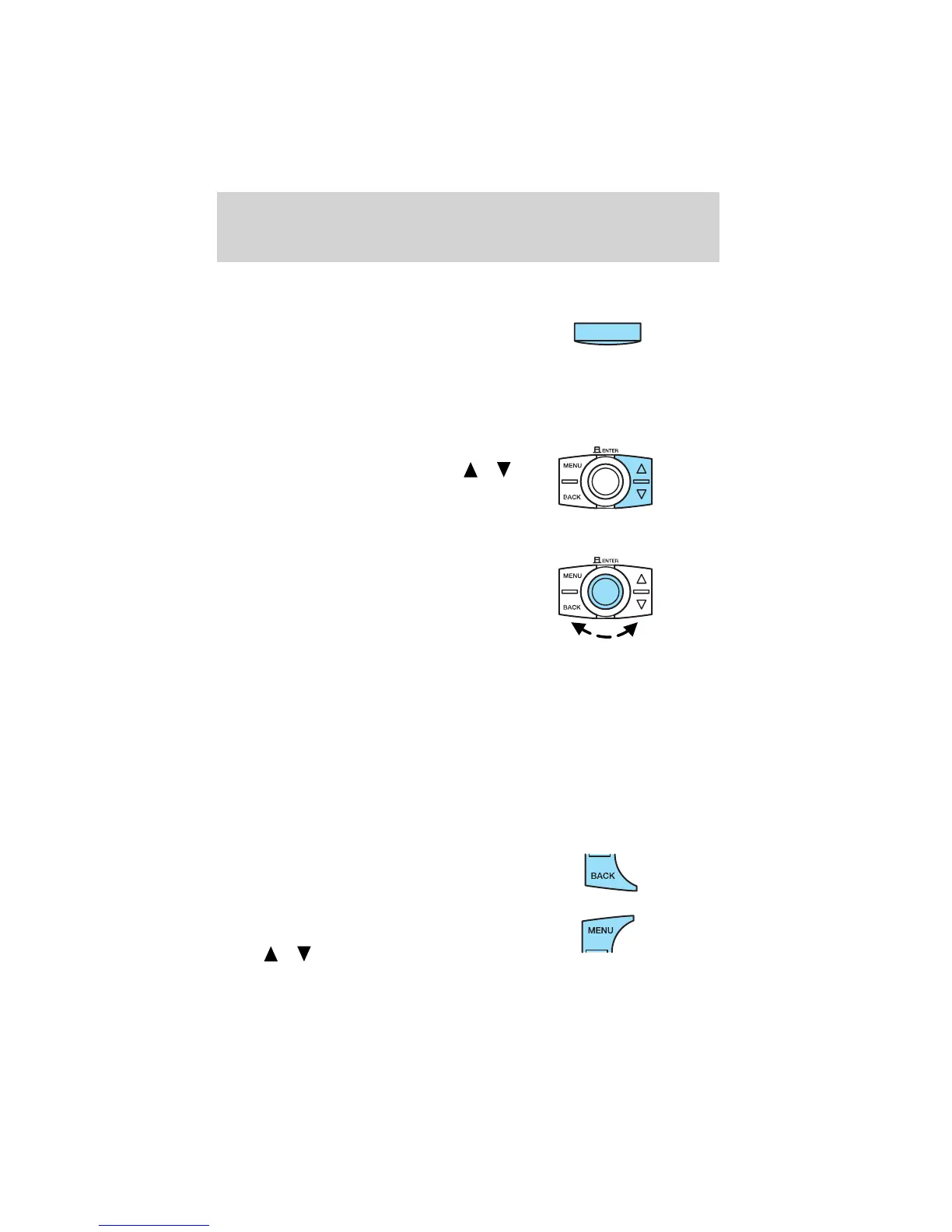
Press again for a brief sampling of all MP3 directories on the disc. SCAN
ALL appears at the bottom of the display.
6. Shuffle: CD/CD changer: Press
to play the songs on the current CD
in random order. SHUF ALB appears
in the display.
MP3: Press once to shuffle the tracks in the current MP3 directory.
Press again to shuffle the tracks in all the MP3 directories. SHUF ALL
appears in the display.
7.
Reverse/forward:Radio/CD:Press
/
for previous (reverse)/next (fast
forward) strong station or CD track.
MP3: Press to select directories.
Turn the control to select the previous/next track.
8. Enter: Turn to manually tune up
or down the radio frequencies.
Also press to access:
Sharx: This function reduces the
amount of interference from other
radio stations in areas with a high
density of stations. Select AUDIO and press ENTER. Select SHARX and
press ENTER. Turn the control to turn the function on/off. Press ENTER
to save the setting.
Program type (PTY): When selected, this function allows you to view
the radio broadcast information (if any) or search for stations
broadcasting a particular program type. Select AUDIO and press ENTER.
Select PTY to view the broadcast information or PTY SEARCH to search
for stations broadcasting a particular program type. There are 30
different possible program types, some being: News, Inform, Sports, Talk,
Rock, Country, Jazz, etc. If no station is found broadcasting the selected
program type, NO PTY will appear in the display at the end of the search
9. Back: Use in the various menus
to go back to the previous
screen/choice.
10. Menu: Press MENU to access
main menu functions. Use
SEEK
/ for adjustments.
SHUF
Entertainment Systems
29













 To Next Page