29
Vehicle information systems
Use the rotary control to scroll
through t he settings opt ions within
the menu and press SET/RESET to
select the desired setting. A tick (
✔
)
appears in the display of the setting
which is se lected.
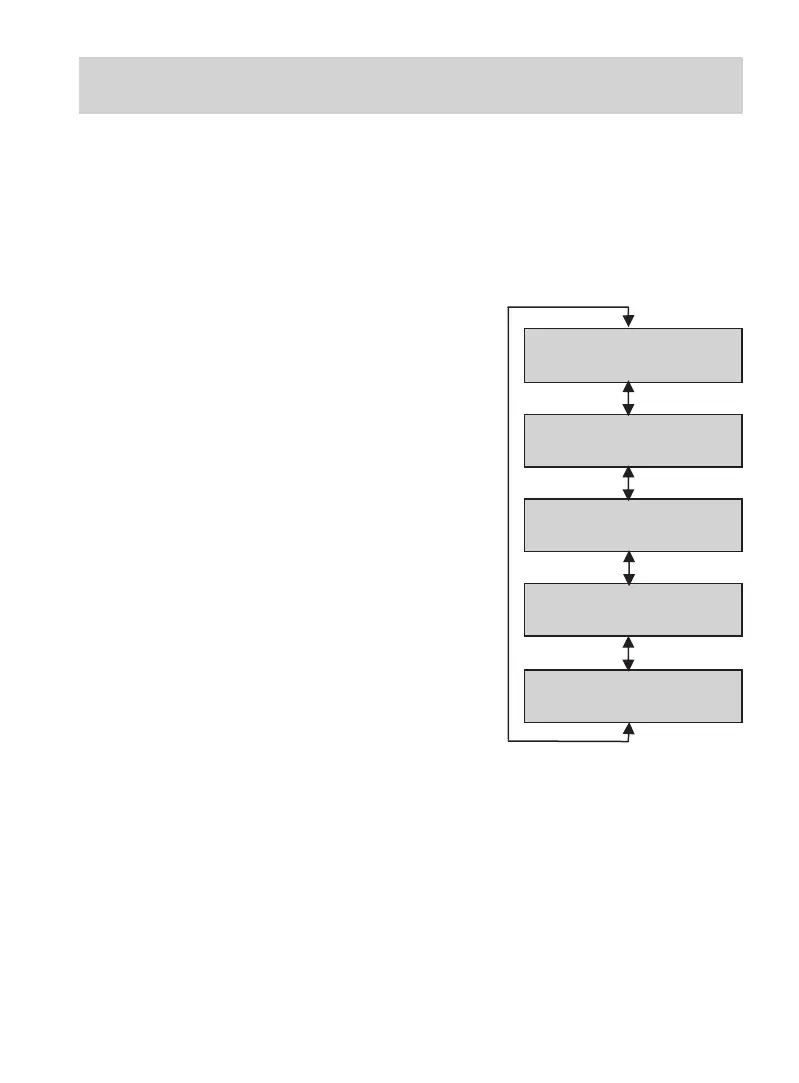
The fol lowing vehicle set ups/
options are available :
STANDARD
SETTINGS
Scroll
SPORT
SETTINGS
Scroll
COMFORT
SETTINGS
Scroll
ADVANCED
- - - SET/RESET
Scroll
VEHICLE SETUP
- - -EXIT - - -
Standard set tings
Steering = St andard
Sport settings
Steering = Sport
Comfort settings
Steering = C omfort
Advanced
Please refer to the sec tion
Advanced Menu.
Vehicle Setup - Exit
To exit the Vehicle Set Up Menu and
return to the Your Sett ings Menu,
scroll to this display and press the
SET/RESET button.
For inform ation on how to save the
settings, refer to the section Saving
the settings on page 30.
Scroll
•
•
•
•
•



 To Next Page