31
Vehicle information systems
Language setting (if equipped)
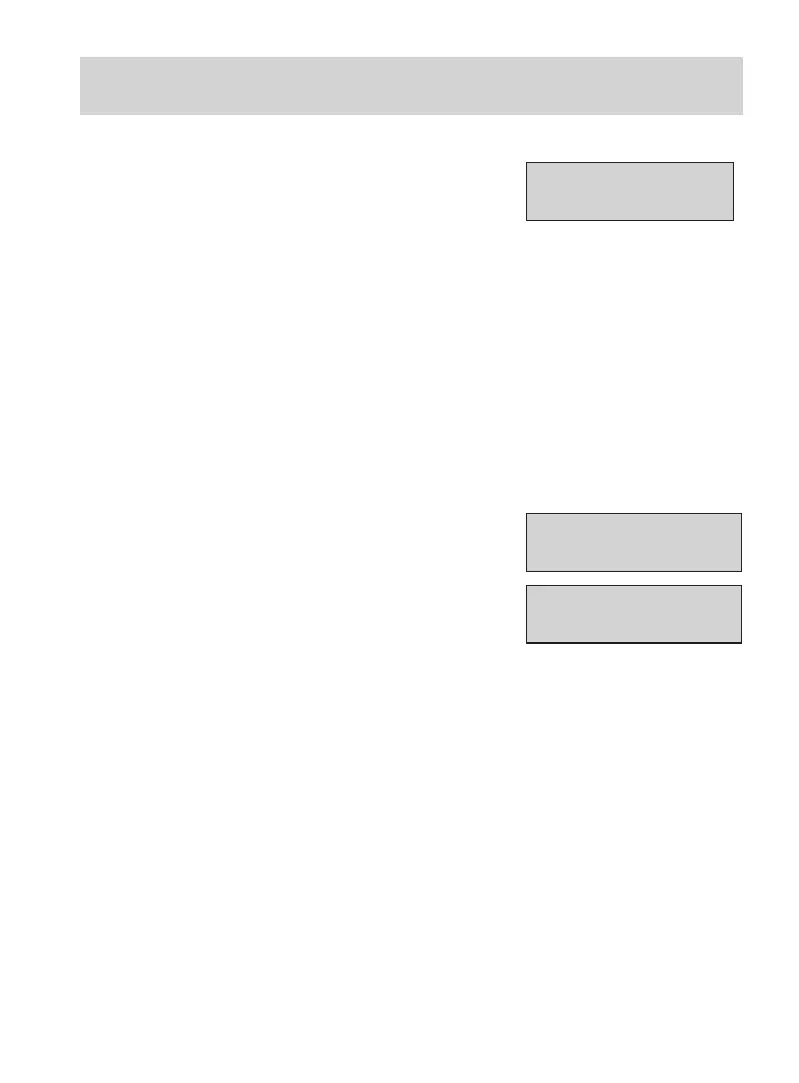
LANGUAGE
ENGLISH (UK)
A choice of eleven languages is
available.
To choose the desired language,
scroll to this menu using the rotary
control.
Select the languages by pressing the
SET/RESET button and exit the
menu using the rotary control to
save the selection. The following
languages can be selected:
English (UK), Germ an, Italian,
French, Spanish, Turkish, Russian,
Dutch, Polish, Swedish, Portuguese.
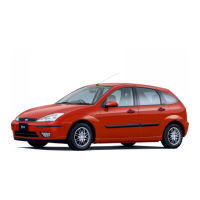
MEASURE UNITS
METRIC
MEASURE UNITS
IMPERIAL
Units of measure
To toggle between metric and
imperial units, scroll to this display
and press the SET/RESET button.



 To Next Page