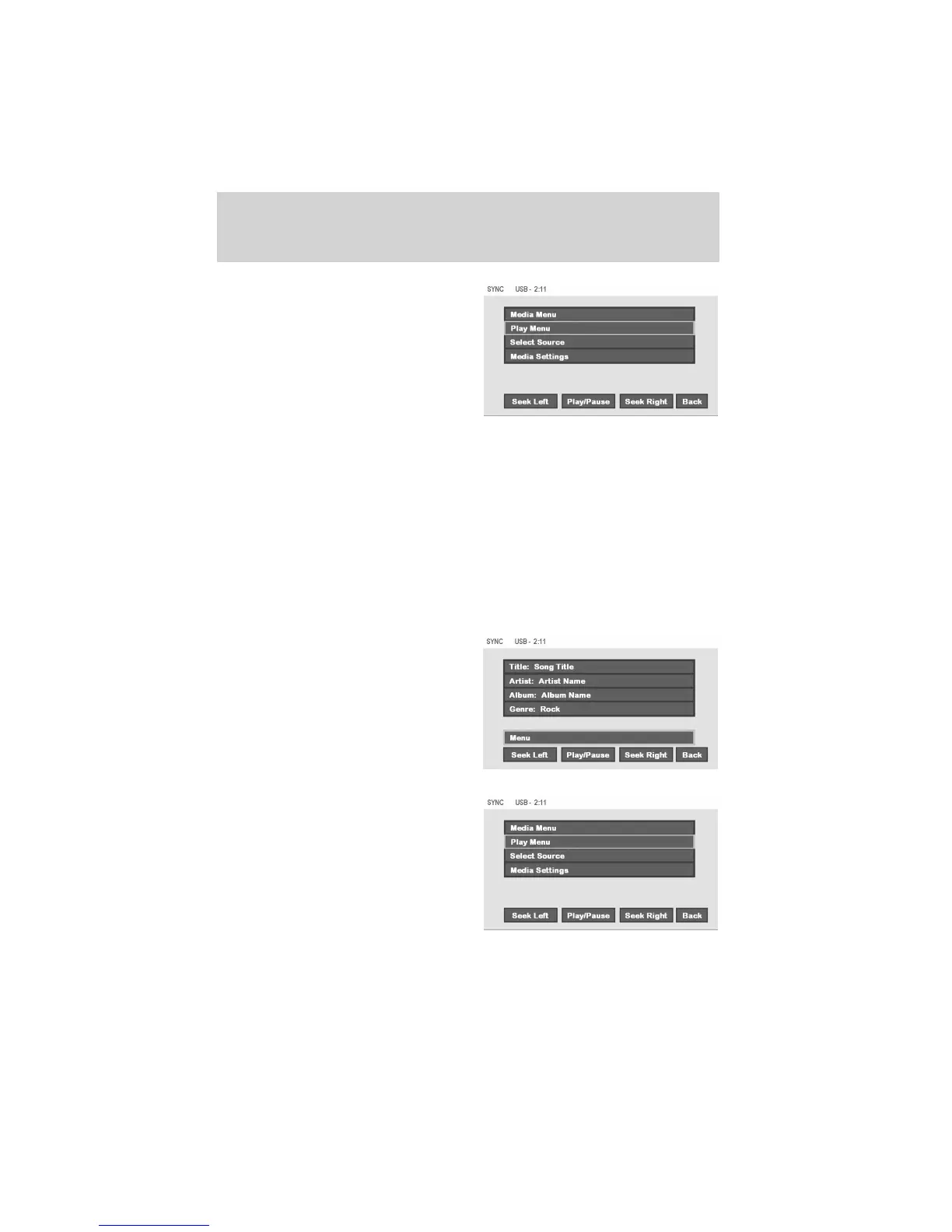
• Then select ‘Media Menu’ to
choose from:
Play Menu: Choose how to play your SYNC USB media. Access Play All,
Artists, Albums, Tracks, Genres, Playlists and Explore USB.
Select Source: Choose another SYNC media source (USB, BT AUDIO,
LINE IN).
Media Settings: Choose to activate/deactivate Shuffle, Repeat or
Autoplay.
Play menu
The Play Menu gives the choice of how to play music from your SYNC
media source. To access:
• From the main screen, select
‘Menu’.
Select ‘Play Menu’.
DVD interaction
62
See
End User License Agreement
at the end of this book



 To Next Page