Similar Music The Similar Music screen allows you to play music similar
to what is currently playing from the USB port. The system will use the
metadata information of each song to compile a playlist for you.
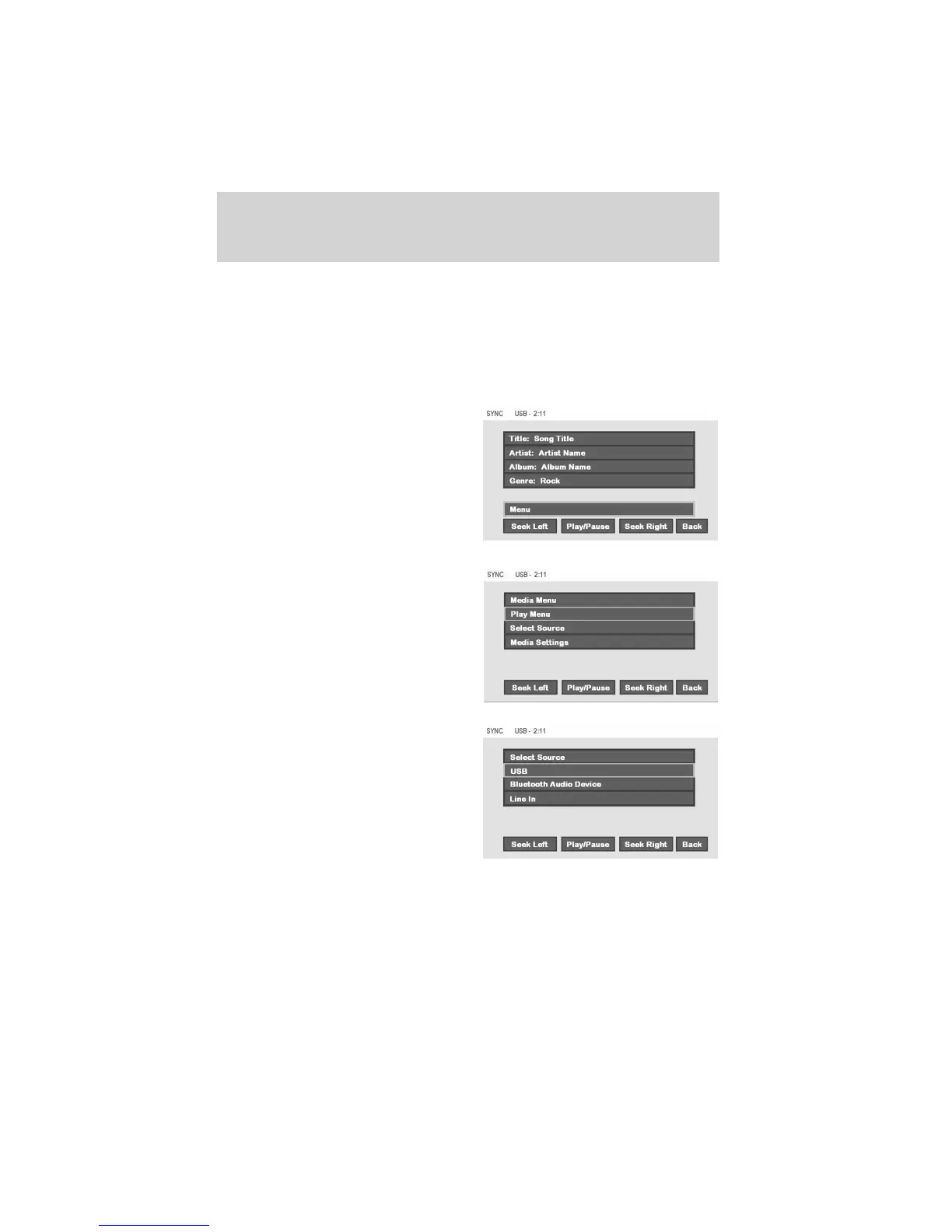
Select source menu
The SYNC select source menu screen allows you to choose which SYNC
media source to access.
• From the main screen, select
‘Menu’.
• Choose ‘Select Source’.
Choose from:
• USB: Select to access any
supported device plugged into the
USB port.
• Bluetooth Stereo: Select to
stream audio from your Bluetooth
stereo enabled device over the
vehicle’s speakers.
• Line In: Select to access any
playing device plugged into the Auxiliary input jack (Line in).
DVD interaction
64
See
End User License Agreement
at the end of this book



 To Next Page