5.
HOW DO I CHANGE THE MODES?
By pressing the power button your device will automatically activate the Regular cleansing mode. To change
between Gentle and Deep cleansing mode, simply press the
or
buttons.
While in Cleansing mode, quickly double press the power button to activate Firming Massage mode and easily
change between your preferred massage modes also by pressing the
or
buttons.
6.
WHAT ARE THE DIFFERENCES BETWEEN SENSITIVE, BALANCED, AND COMBINATION LUNA™ 4?
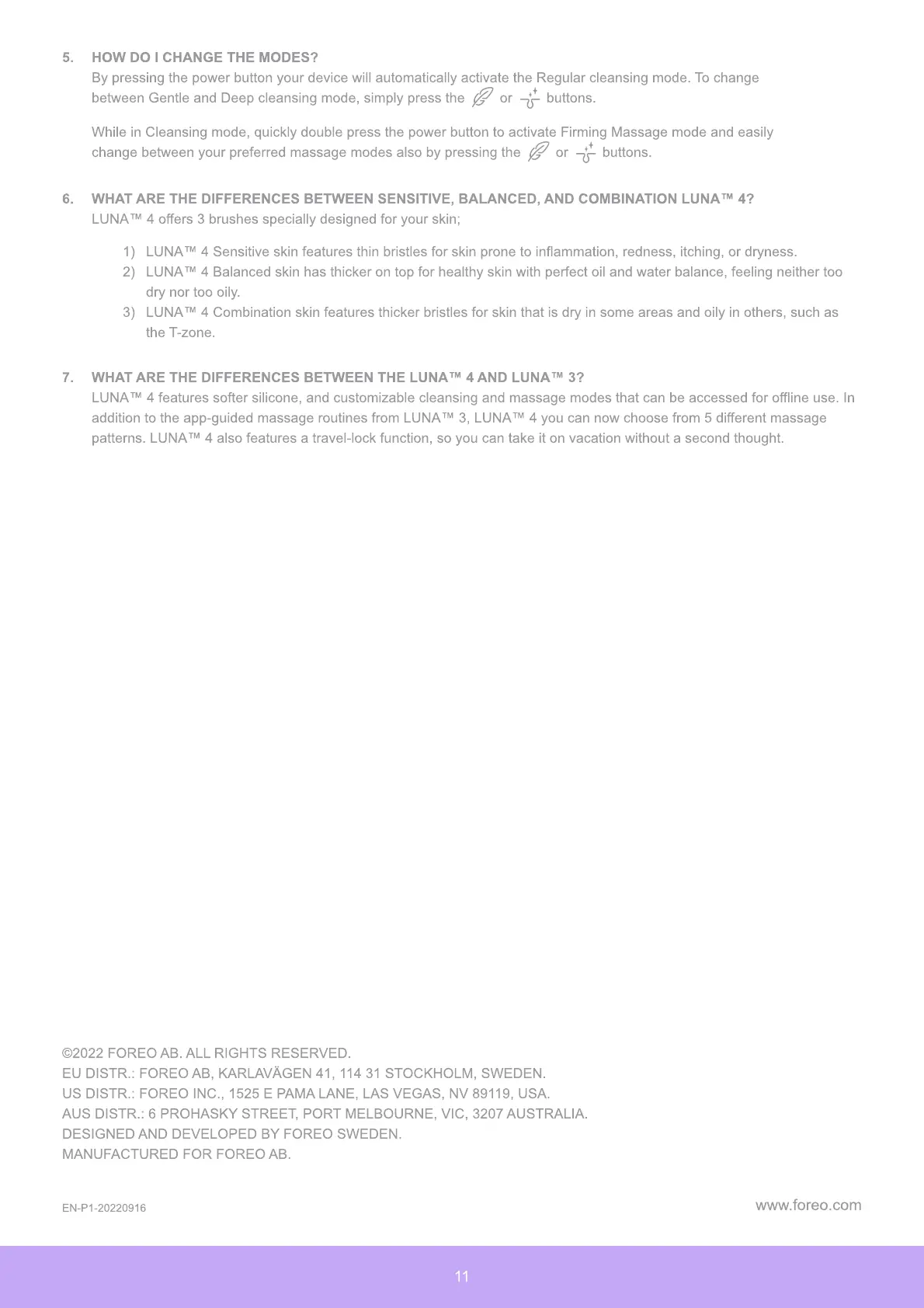
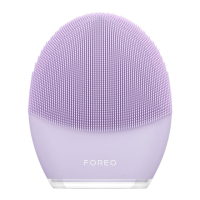
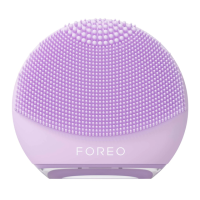
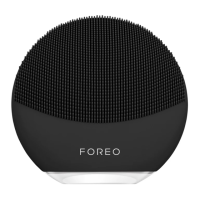
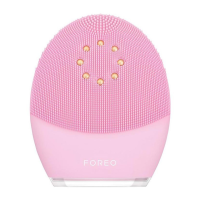
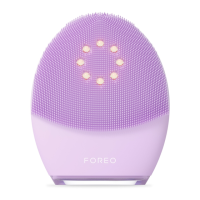
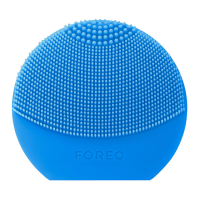
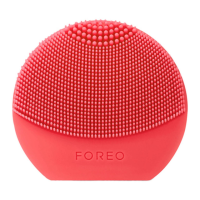
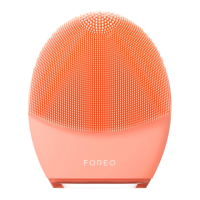
LUNA™ 4 offers 3 brushes specially designed for your skin;
1) LUNA™ 4 Sensitive skin features thin bristles for skin prone to inflammation, redness, itching, or dryness.
2)
LUNA™ 4 Balanced skin has thicker on top for healthy skin with perfect oil and water balance, feeling neither too
dry nor too oily.
3)
LUNA™ 4 Combination skin features thicker bristles for skin that is dry in some areas and oily in others, such as
the T-zone.
7.
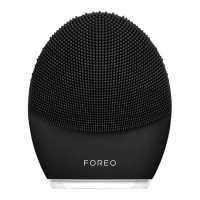
WHAT ARE THE DIFFERENCES BETWEEN THE LUNA™ 4 AND LUNA™ 3?
LUNA™ 4 features softer silicone, and customizable cleansing and massage modes that can be accessed for offline use.
I
n
addition to the app-guided massage routines from LUNA™ 3, LUNA™ 4 you can now choose from
5
different massage
patterns. LUNA™ 4 also features a travel-lock function, so you can take it on vacation without a second thought.
11
©
2
0
22 F
O
R
EO
AB. ALL R
I
G
H
TS R
E
S
E
R
VE
D
E
U D
I
STR.
:
F
O
R
EO
AB,
K
ARLA
VÄ
G
E
N 41, 114 31 ST
O
C
KHO
LM, SW
E
D
E
N
US D
I
STR.
:
F
O
R
EO
I
NC., 1
5
2
5
E
P
AMA LAN
E
, LAS
VE
GAS, N
V
89
11
9
, USA
AUS D
I
STR.
:
6
P
R
OH
AS
KY
STR
EE
T,
PO
RT M
E
LB
O
URN
E
,
VI
C, 32
07
AUSTRAL
I
A.
D
E
S
I
GN
E
D AND D
EVE
L
OPE
D B
Y
F
O
R
EO
SW
E
D
E
N
MANUFACTUR
E
D F
O
R F
O
R
EO
AB.
E
N-
P
1-2
0
22
09
1
6
www.foreo.com


 To Previous Page