COMPLEMENTARY PRODUCTS
Micro-Foam Cleanser
This creamy cleanser transforms into delicate micro-bubbles that lift impurities from deep within pores, gently purify
skin, and remove excess oil. Its special formula, containing skin-replenishing amino acids and vitamin E, helps
moisturize and protect your skin so it’s left feeling soft and looking vibrant.
Dermatologist tested - Fragrance-Free - Vegan - Cruelty-Free
SERUM SÉRUM SERUM
The ultra-soothing formula glides effortlessly over your skin and works seamlessly with LUNA's firming massage mode
which improves the serum’s efficiency. The antioxidant power of squalane gives your skin a healthy, youthful look, while
Hyaluronic acid locks in moisture to give you softer, smoother, and super-hydrated skin.
Dermatologist tested - Fragrance-Free - Cruelty-Free
IMPORTANT
FOR OPTIMUM SAFETY:
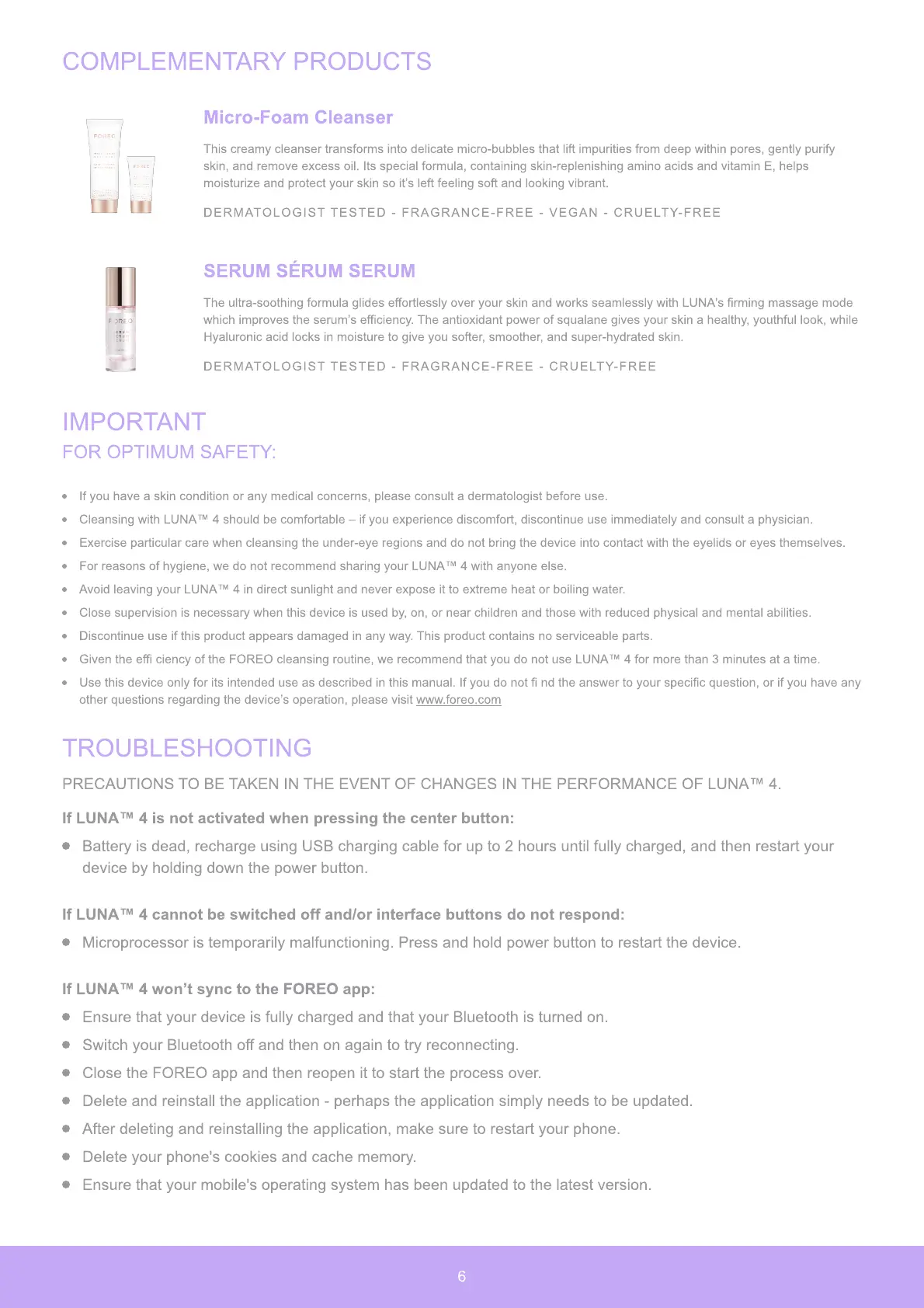
If you have a skin condition or any medical concerns, please consult a dermatologist before use.
Cleansing with LUNA™ 4 should be comfortable – if you experience discomfort, discontinue use immediately and consult a physician.
Exercise particular care when cleansing the under-eye regions and do not bring the device into contact with the eyelids or eyes themselves.
For reasons of hygiene, we do not recommend sharing your LUNA™ 4 with anyone else.
Avoid leaving your LUNA™ 4 in direct sunlight and never expose it to extreme heat or boiling water.
Close supervision is necessary when this device is used by, on, or near children and those with reduced physical and mental abilities.
Discontinue use if this product appears damaged in any way. This product contains no serviceable parts.
Given the effi ciency of the FOREO cleansing routine, we recommend that you do not use LUNA™ 4 for more than 3 minutes at a time.
Use this device only for its intended use as described in this manual. If you do not fi nd the answer to your specific question, or if you have any
other questions regarding the device’s operation, please visit www.foreo.com
TROUBLESHOOTING
PRECAUTIONS TO BE TAKEN IN THE EVENT OF CHANGES IN THE PERFORMANCE OF LUNA™ 4.
If
L
U
NA™
4
is no
t
ac
t
i
v
a
t
e
d
wh
en
p
ressin
g
th
e cen
t
er
butt
on
:
Battery is dead, recharge using USB charging cable for up to
2
hours until fully charged, and then restart your
device by holding down the power button.
If
L
U
NA™
4
canno
t
b
e s
w
i
t
c
h
e
d
o
ff
an
d/
or in
t
er
f
ace
butt
ons
d
o no
t
res
p
on
d:
Microprocessor is temporarily malfunctioning. Press and hold power button to restart the device.
If
L
U
NA™
4
w
on
’t
s
y
nc
t
o
th
e F
O
RE
O
a
pp:
Ensure that your device is fully charged and that your Bluetooth is turned on.
Switch your Bluetooth off and then on again to try reconnecting.
Close the FOREO app and then reopen it to start the process over.
Delete and reinstall the application - perhaps the application simply needs to be updated.
After deleting and reinstalling the application, make sure to restart your phone.
Delete your phone's cookies and cache memory.
Ensure that your mobile's operating system has been updated to the latest version.
6


 To Next Page