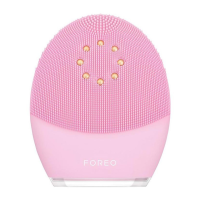
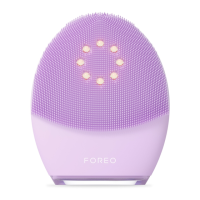
6.
WHY DOESN’T MY CHARGER GO ALL THE WAY IN?
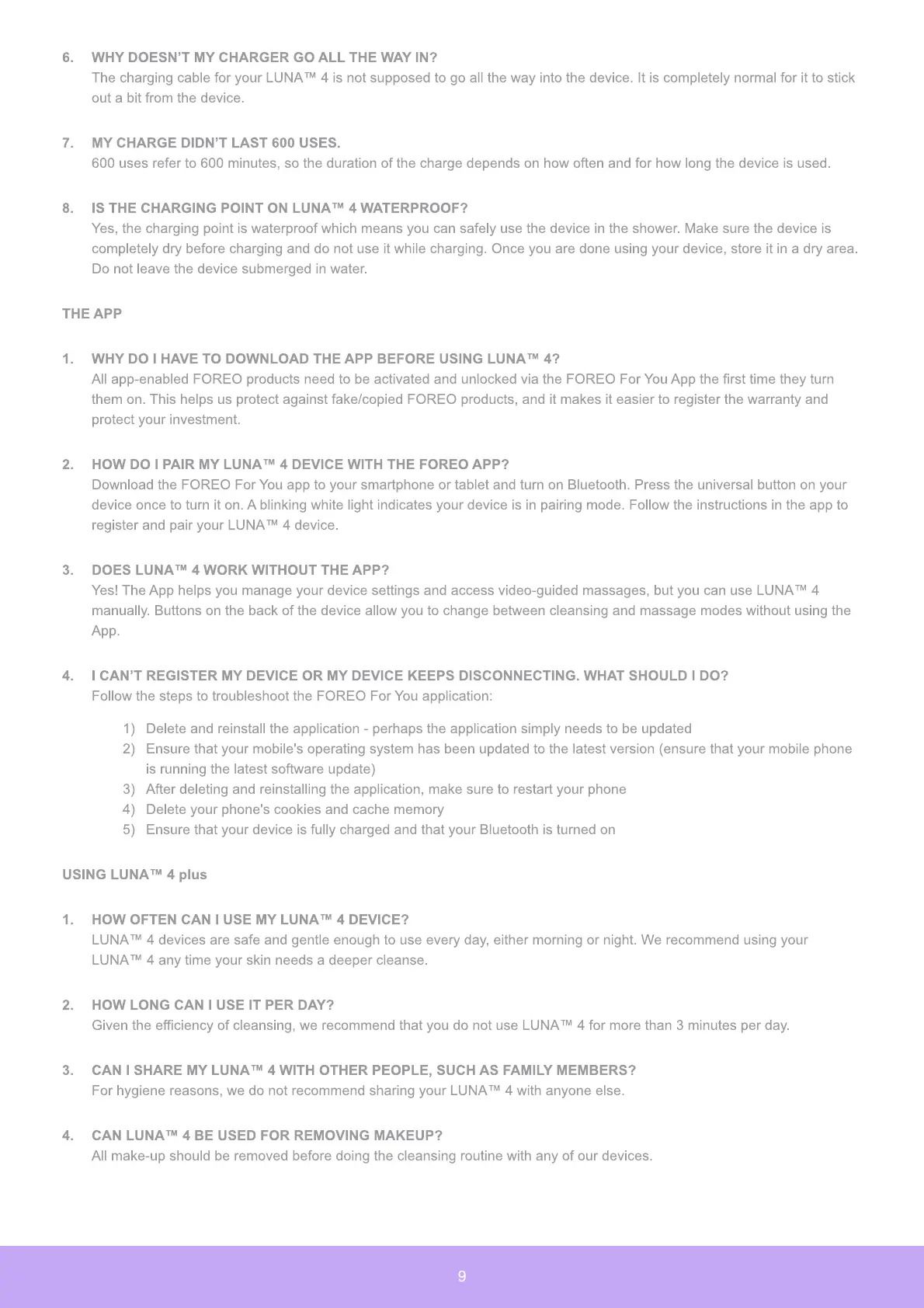
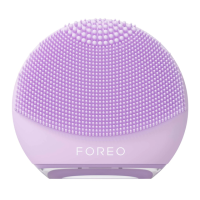
The charging cable for your LUNA™ 4 is not supposed to go all the way into the device. It is completely normal for it to stick
out a bit from the device.
7.
MY CHARGE DIDN’T LAST 600 USES.
600 uses refer to 600 minutes, so the duration of the charge depends on how often and for how long the device is used.
8.
IS THE CHARGING POINT ON LUNA™ 4 WATERPROOF?
Yes, the charging point is waterproof which means you can safely use the device in the shower. Make sure the device is
completely dry before charging and do not use it while charging. Once you are done using your device, store it in a dry area.
Do not leave the device submerged in water.
THE APP
1.
WHY DO I HAVE TO DOWNLOAD THE APP BEFORE USING LUNA™ 4?
All app-enabled FOREO products need to be activated and unlocked via the FOREO For You App the first time they turn
them on. This helps us protect against fake/copied FOREO products, and it makes it easier to register the warranty and
protect your investment.
2.
HOW DO I PAIR MY LUNA™ 4 DEVICE WITH THE FOREO APP?
Download the FOREO For You app to your smartphone or tablet and turn on Bluetooth. Press the universal button on your
device once to turn it on. A blinking white light indicates your device is in pairing mode. Follow the instructions in the app to
register and pair your LUNA™ 4 device.
3.
DOES LUNA™ 4 WOR
K
WITHOUT THE APP?
Yes
!
The App helps you manage your device settings and access video-guided massages, but you can use LUNA™ 4
manually. Buttons on the back of the device allow you to change between cleansing and massage modes without using the
App.
4.
I CAN’T REGISTER MY DEVICE OR MY DEVICE
K
EEPS DISCONNECTING. WHAT SHOULD I DO?
Follow the steps to troubleshoot the FOREO For You application
:
1)
Delete and reinstall the application - perhaps the application simply needs to be updated
2)
Ensure that your mobile
'
s operating system has been updated to the latest version
(
ensure that your mobile phone
is running the latest software update
)
3)
After deleting and reinstalling the application, make sure to restart your phone
4
)
Delete your phone
'
s cookies and cache memory
5)
Ensure that your device is fully charged and that your Bluetooth is turned on
USING LUNA™ 4
plus
1.
HOW OFTEN CAN I USE MY LUNA™ 4 DEVICE?
LUNA™ 4 devices are safe and gentle enough to use every day, either morning or night.
W
e recommend using your
LUNA™ 4 any time your skin needs a deeper cleanse.
2.
HOW LONG CAN I USE IT PER DAY?
G
iven the efficiency of cleansing, we recommend that you do not use LUNA™ 4 for more than
3
minutes per day.
3.
CAN I SHARE MY LUNA™ 4 WITH OTHER PEOPLE
,
SUCH AS FAMILY MEMBERS?
For hygiene reasons, we do not recommend sharing your LUNA™ 4 with anyone else.
4.
CAN LUNA™ 4 BE USED FOR REMOVING MA
K
EUP?
All make-up should be removed before doing the cleansing routine with any of our devices.
9


 To Next Page