Device Connectivity
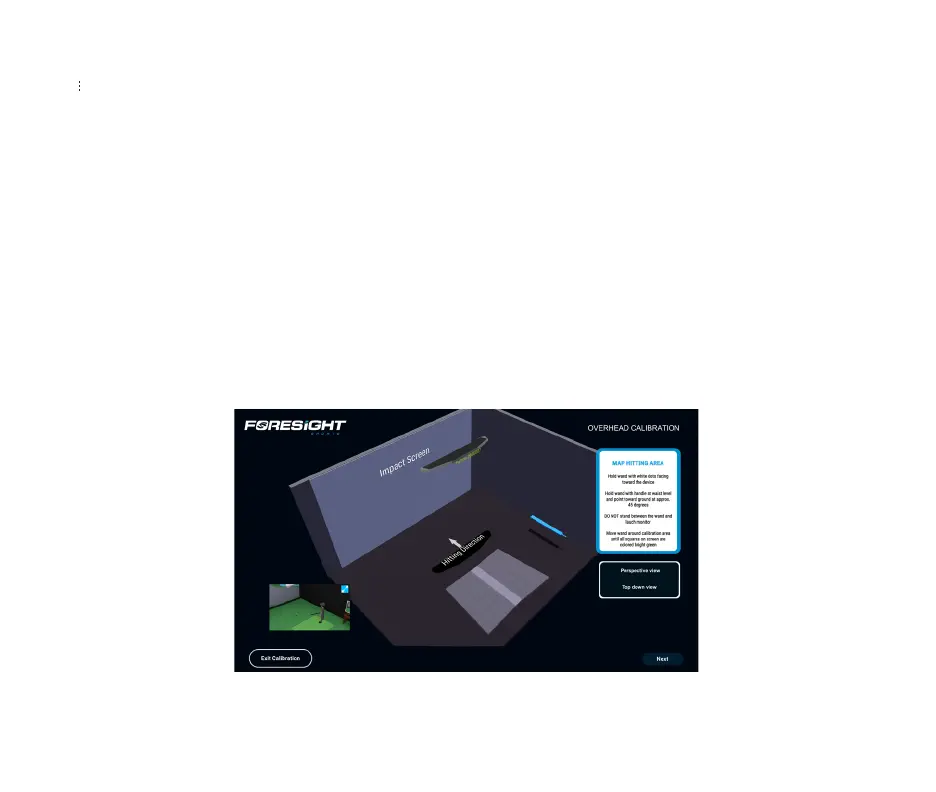
1) The Foresight Calibration App will be automatically installed on your computer with a new
installation of FSX Play or FSX Pro and can be launched from the menu inside FSX game play.
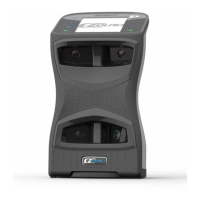
Ensure the Falcon is connected to your network router or PC through the ethernet cable and
the Falcon is powered on.
*Note: It is highly recommended that your PC is connected to the internet before starting
calibration. Once the Falcon resets and boots up, you should see a blue light appear on the
Falcon - your calibration is complete!
FALCON QUICK START GUIDE
09



 To Next Page