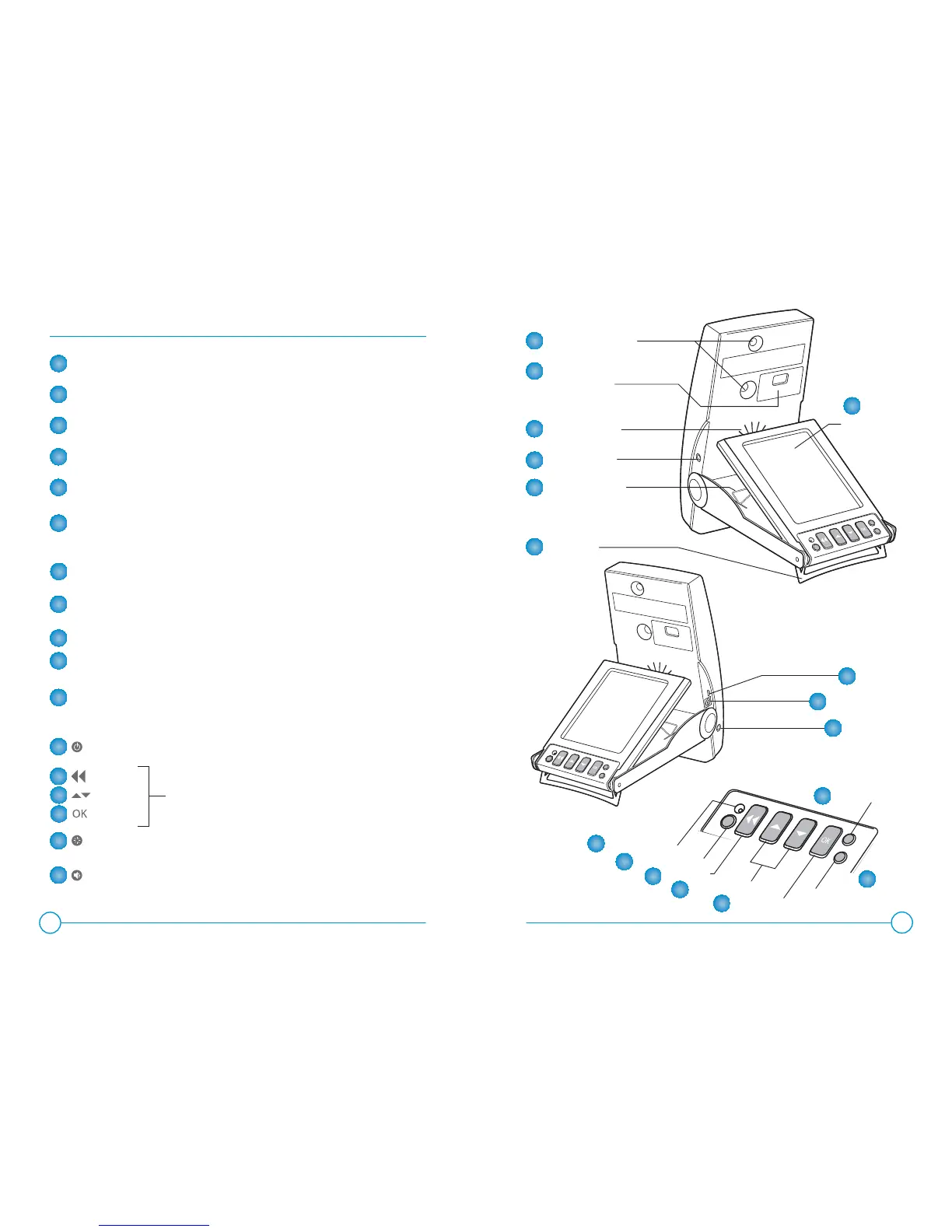
Feature Overview
tracking cameras
interchangeable
fl ash module
audio speaker
audio line out
LCD wire stand
USB port
LCD display
accessory port
power port
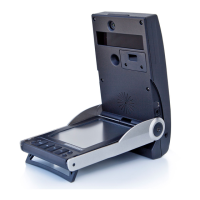
foot stand
LEFT SIDE VIEW
RIGHT SIDE VIEW
CONTROL PANEL VIEW
2
3
LCD wire stand used to adjust the viewing angle of the display screen
Audio Speaker provides audio announcement of launch data
Power Port connector for the power adapter (supplied) to recharge
the batter or to operate on external power
Audio Volume turns sound on/off and adjusts volume to three levels:
low, medium and high
USB Port connector for USB cable (supplied) to connect to
external PC (optional)
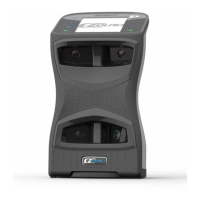
Tracking Cameras high speed optical cameras for ball placement
and tracking
Power Button turns the device on/off
LED indicator indicates whether a ball is outside of the hitting zone
(blinking red) or within the hitting zone
(constant green)
Audio Line Out connector to enable external, amplifi ed speaker connection
Key
Keys
Key
used to navigate and select display options
Foot Stand must be fully deployed (rotated) to ensure the device
is properly positioned; also serves as a latch to secure
the device in the closed (folded) position
Display Backlight illuminates the display for better viewing in low light
situations
Accessory Port used for factory troubleshooting
Flash Module replaceable high intensity strobe light for tracking
LED indicator
power button
back key
cursor keys
enter key
display backlight
audio volume
A
A
B
C
D
LCD Display displays ball placement graphic, ball fl ight data
and other user information
G
E
F
H
I
J
K
L
M
O
N
P
Q
B
C
D
E
F
H
I
J
Q
P
O
N
M
L
K
G


 To Next Page