10
DE
FR
IT
EE
GR
ES
PL
CZ
SK
RU
LT
BG
RO
HU
LV
EN
NL
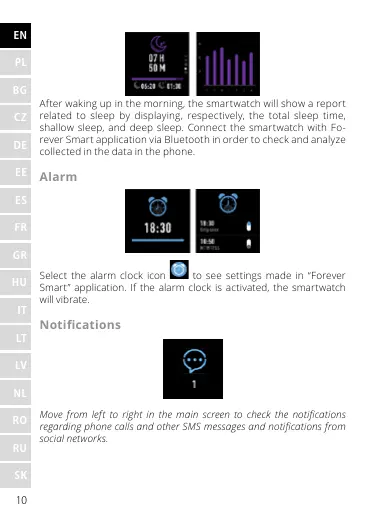
After waking up in the morning, the smartwatch will show a report
related to sleep by displaying, respectively, the total sleep time,
shallow sleep, and deep sleep. Connect the smartwatch with Fo-
rever Smart application via Bluetooth in order to check and analyze
collected in the data in the phone.
Alarm
Select the alarm clock icon to see settings made in “Forever
Smart” application. If the alarm clock is activated, the smartwatch
will vibrate.
Notications
Move from left to right in the main screen to check the notications
regarding phone calls and other SMS messages and notications from
social networks.










 To Next Page