12
DE
FR
IT
EE
GR
ES
PL
CZ
SK
RU
LT
BG
RO
HU
LV
EN
NL
Settings
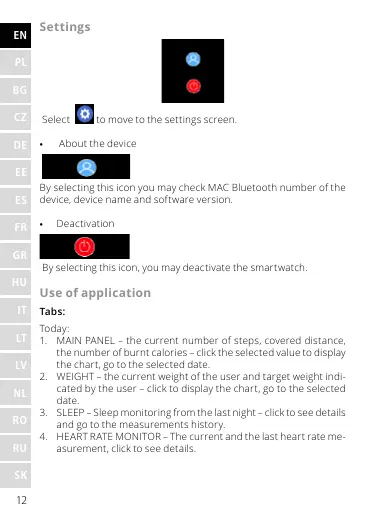
Select to move to the settings screen.
• About the device
By selecting this icon you may check MAC Bluetooth number of the
device, device name and software version.
• Deactivation
By selecting this icon, you may deactivate the smartwatch.
Use of application
Tabs:
Today:
1. MAIN PANEL – the current number of steps, covered distance,
the number of burnt calories – click the selected value to display
the chart, go to the selected date.
2. WEIGHT – the current weight of the user and target weight indi-
cated by the user – click to display the chart, go to the selected
date.
3. SLEEP – Sleep monitoring from the last night – click to see details
and go to the measurements history.
4. HEART RATE MONITOR – The current and the last heart rate me-
asurement, click to see details.










 To Next Page