4
DE
FR
IT
EE
GR
ES
PL
CZ
SK
RU
LT
BG
RO
HU
LV
EN
NL
Thank you for purchasing a product by Forever. Before use, please
refer to the User’s manual, and save it for future reference. Do not
disassemble the device on your own – all repairs should be done
by a service technician. Use only original parts and accessories
provided by the manufacturer. The device should not be exposed
directly to water, moisture, sunlight, re or other heat sources. We
hope that the product by Forever fullls your expectations.
Description
1. Touch screen
2. Touch button
3. Heart rate monitor
4. Charging connector
Charging
Place the smartwatch into a special handle in a way to connect the
charging connector with the connector on the handle, and then
connect USB cable to a power source.
Forever Smart application installation
Find application called “Forever Smart” in Google Play or App Store
shop and install it on the phone.
Connect the smartwatch with the phone
1. Activate Bluetooth in your phone.
2. Activate “Forever Smart” in your phone and ll all personal
information in settings.
3. Select “Connect smartwatch” in settings.
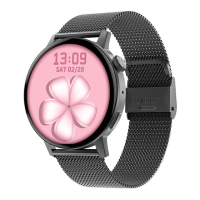
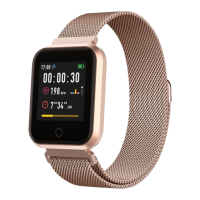
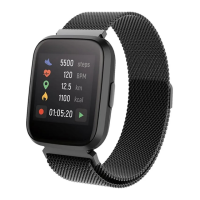
4. Select the model of your smartwatch.
5. Click on appropriate photo of the model you want to connect.
Disconnecting the smartwatch from the phone
1. Activate “Forever Smart” in your phone.
2. Click “Disconnect smartwatch” in settings and conrm.
3. To disconnect the smartwatch from iPhone, click Disconnect










 To Next Page