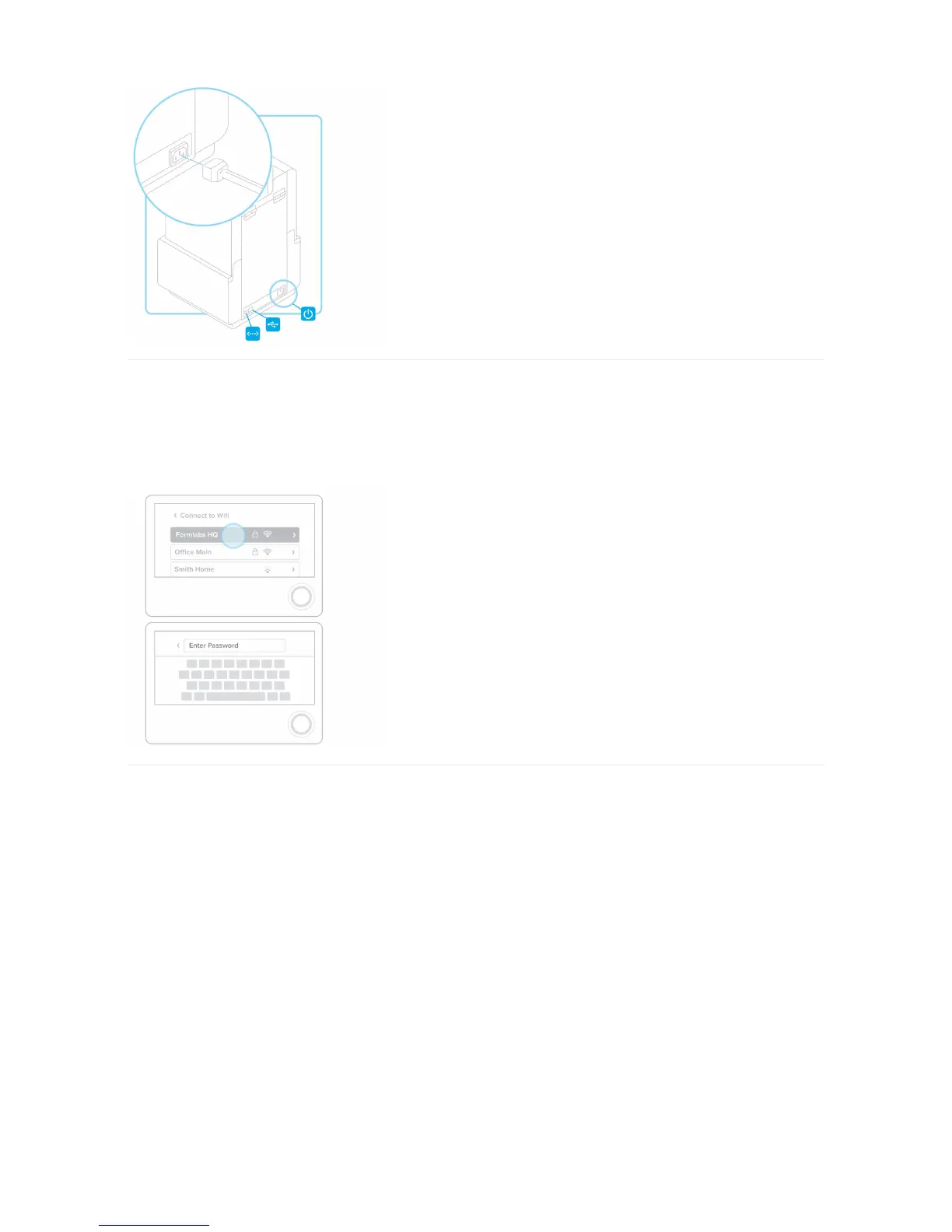
2. Connect to Wi-Fi (Optional)
To connect to Wi-Fi, touch “Wi-Fi” on the settings tab on the touchscreen, the select the name of the network you would like to connect to.
Enter the password for that Wi-Fi network using the onscreen keyboard.
3. Level Printer
If prompted, use the leveling tool to raise or lower each foot of your printer. Adjust the feet until the circle is aligned on the screen.
It is important that the printer sits level so resin does not overflow from the tank during printing.



 To Next Page