EasyManua.ls Logo

Formlabs Form Wash - User Manual

Formlabs Form Wash
12 pages
Print Icon
To Next Page IconTo Next Page
Loading...
Form Wash
  

Other manuals for Formlabs Form Wash

Questions and Answers

Summary

Form Wash System Overview

System Components

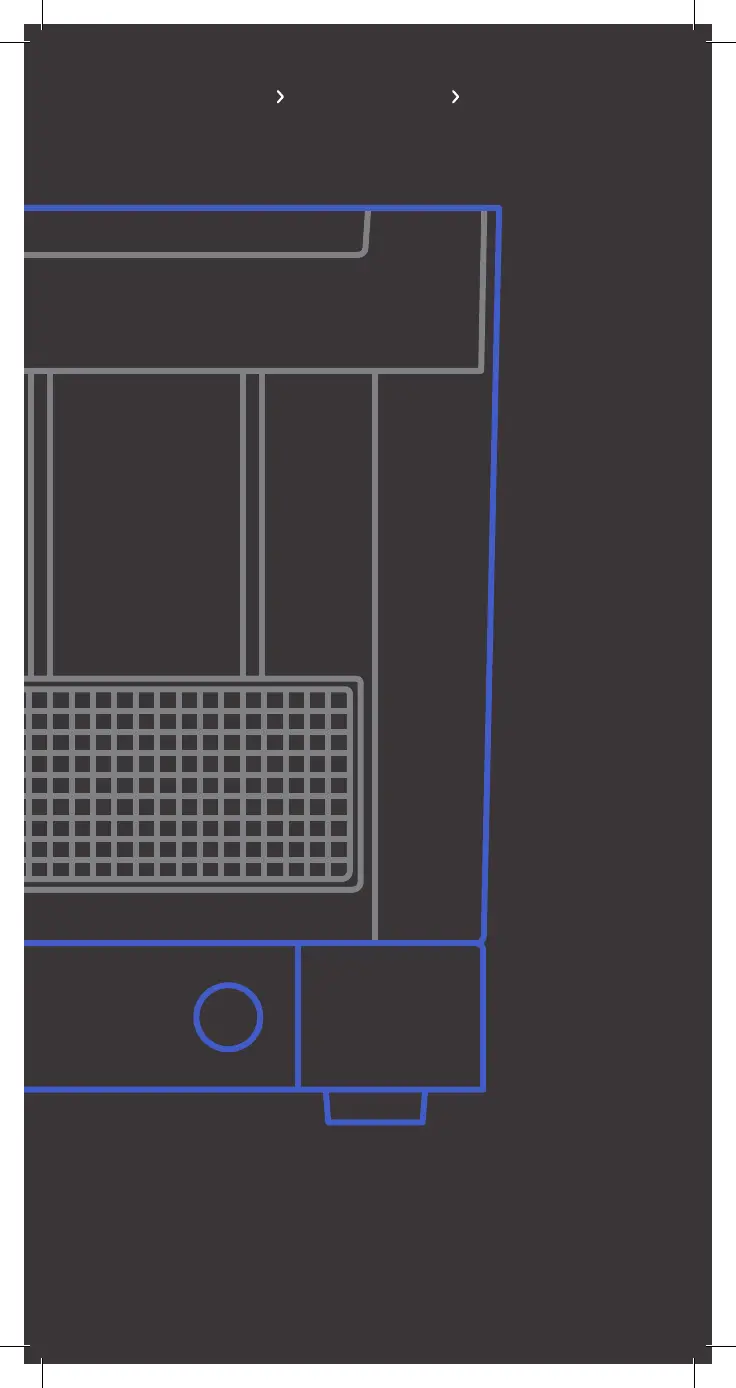
Overview of key components like basket mount, lids, bucket, display, and power supply.

Controls and Storage

Details on the display, knob for operation, and tool storage locations.

Consumables and Accessories

Information on Isopropyl Alcohol (IPA) and its requirements.

Tools & Storage

Left Storage Tools

Details Flush Cutters and Removal Tool for part manipulation.

Right Storage Tools

Describes Hydrometer, Scraper, and Tweezers for measurement and cleaning.

Siphon Pump

Instructions for using the siphon pump for IPA transfer.

Form Wash Set-Up

Fill Wash Bucket with IPA

Step-by-step guide to filling the wash bucket with Isopropyl Alcohol.

Connect Power Supply

Instructions for connecting the Form Wash to a power source.

Calibrate the Hydrometer

Guide to calibrating the hydrometer in fresh IPA for concentration checks.

Using Form Wash

Insert Print

Procedure for placing prints onto the build platform for washing.

Set Wash Time

How to adjust and start the wash cycle using the display and knob.

Drain and Dry Prints

Steps for draining IPA and allowing prints to dry after washing.

Collect Prints and Finishing

Instructions for removing washed parts and post-wash finishing.

Maintenance

Checking IPA Resin Concentration

How to use the hydrometer to monitor IPA quality for cleaning.

Changing the IPA

Remove and Refill Wash Bucket

Process for emptying, cleaning, and refilling the wash bucket with fresh IPA.

Install Inner Lid

Steps for correctly placing the inner lid back onto the wash bucket.

Additional Resources

Safety Information

Guidelines for safe handling and use of IPA and the Form Wash.

Rear Tool Storage

Instructions for cleaning and storing hand-held tools.

Additional Supplies

List of recommended supplies for Form Wash operation.

More Information

Links to video tutorials and washing recommendations.

Formlabs Form Wash Specifications

General IconGeneral
ManufacturerFormlabs
ModelForm Wash
Category3D Printers
TypeWashing Station
CompatibilityForm 2, Form 3, Form 3B, Form 3+, Form 3B+
Maximum Part Size (Form 3/3B/3+/3B+)14.5 × 14.5 × 17.5 cm
Maximum Part Size (Form 2)14.5 × 14.5 × 17.5 cm
Wash Time10-20 minutes
Power100–240 V, 50/60 Hz
Power Requirements100–240 VAC, 1.3 A, 50/60 Hz
Dimensions (Alternative)330 x 330 x 400 mm

Related product manuals