EasyManua.ls Logo

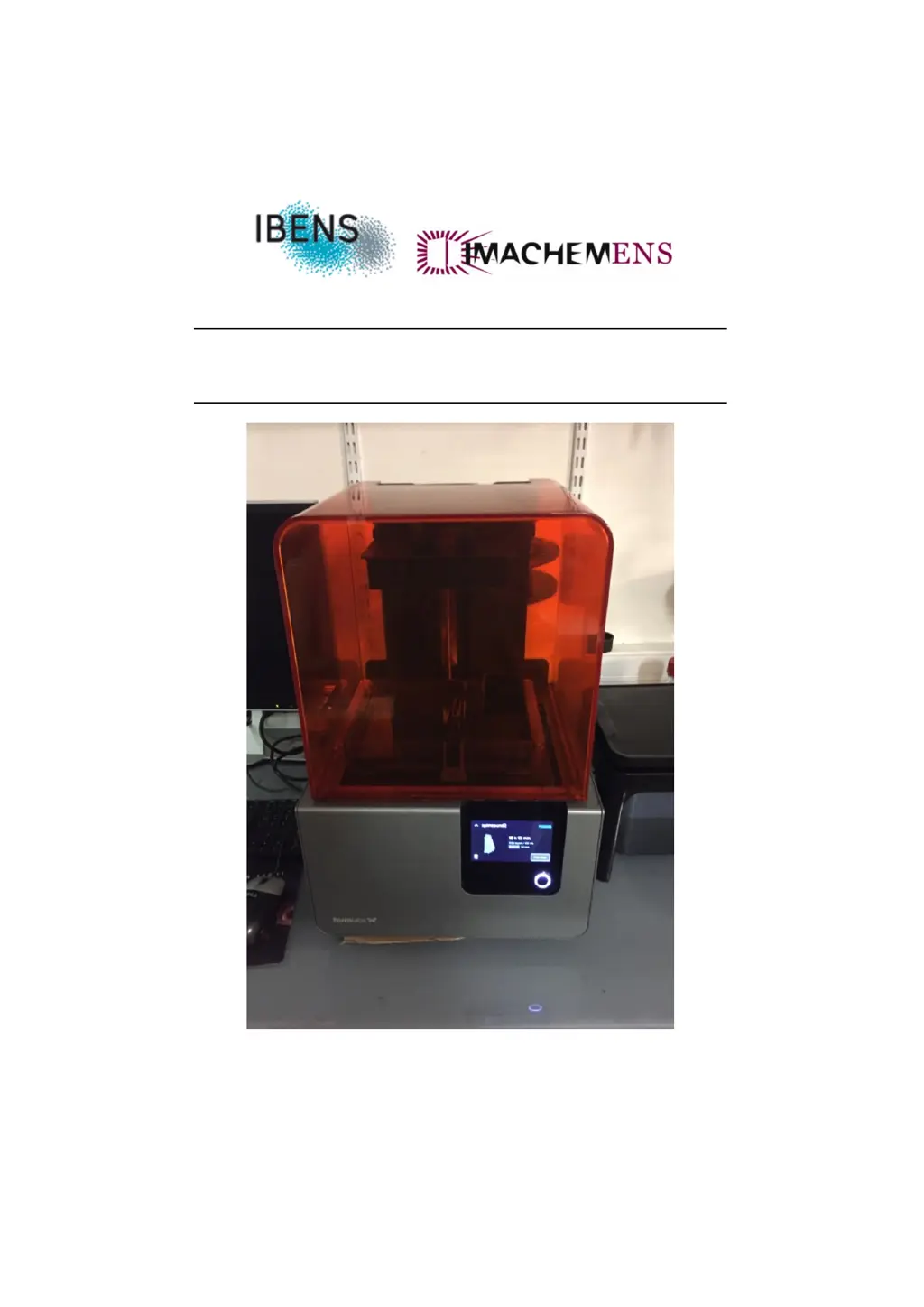
Formlabs Form 2 - User Manual

Formlabs Form 2
18 pages
Print Icon
To Next Page IconTo Next Page
Loading...
FormLab 2
November 2017

Other manuals for Formlabs Form 2

Questions and Answers

Summary

Set Up

Remove the resin cartridge

Instructions for safely removing the resin cartridge from the printer.

Remove the Build platform

Guidance on how to detach the build platform from the printer.

Remove the resin tank

Steps for safely disconnecting and removing the resin tank.

Start up

Insert the tank resin

Procedure for installing a new resin tank into the printer.

Insert the build platform

Instructions on how to properly insert the build platform.

Insert the resin cartridge

Guide for inserting the resin cartridge into the printer's designated slot.

Print

Steps for preparing and initiating a print job using the FormLab 2.

Washing your print

Instructions for cleaning the printed object using isopropyl alcohol.

Finition

Details on post-processing steps, including UV curing and support removal.

Cleaning

Cleaning the optical window

Procedure for cleaning the printer's optical window to ensure print quality.

Cleaning the tank resin

Steps for cleaning the resin tank to maintain optimal performance.

Level print

Check and adjust printer leveling

Guide to checking and adjusting the printer's leveling for accurate prints.

Formlabs Form 2 Specifications

General IconGeneral
TechnologyStereolithography (SLA)
Build Volume145 x 145 x 175 mm
Layer Thickness25 - 100 microns
Laser Spot Size140 microns
Laser Power250 mW
Printer Dimensions350 x 330 x 520 mm
SoftwarePreForm
ConnectivityUSB, Ethernet, Wi-Fi
Printer Weight13 kg
MaterialsFormlabs Resins
Operating System CompatibilityWindows 7 and higher, Mac OS X 10.7 and higher
Power Requirements100–240 V
Print SpeedVaries by material and layer thickness

Related product manuals