Chapter 2
Start up
2.1 Insert the tank resin
• Choose your resin (Black, Resin, Tough...).
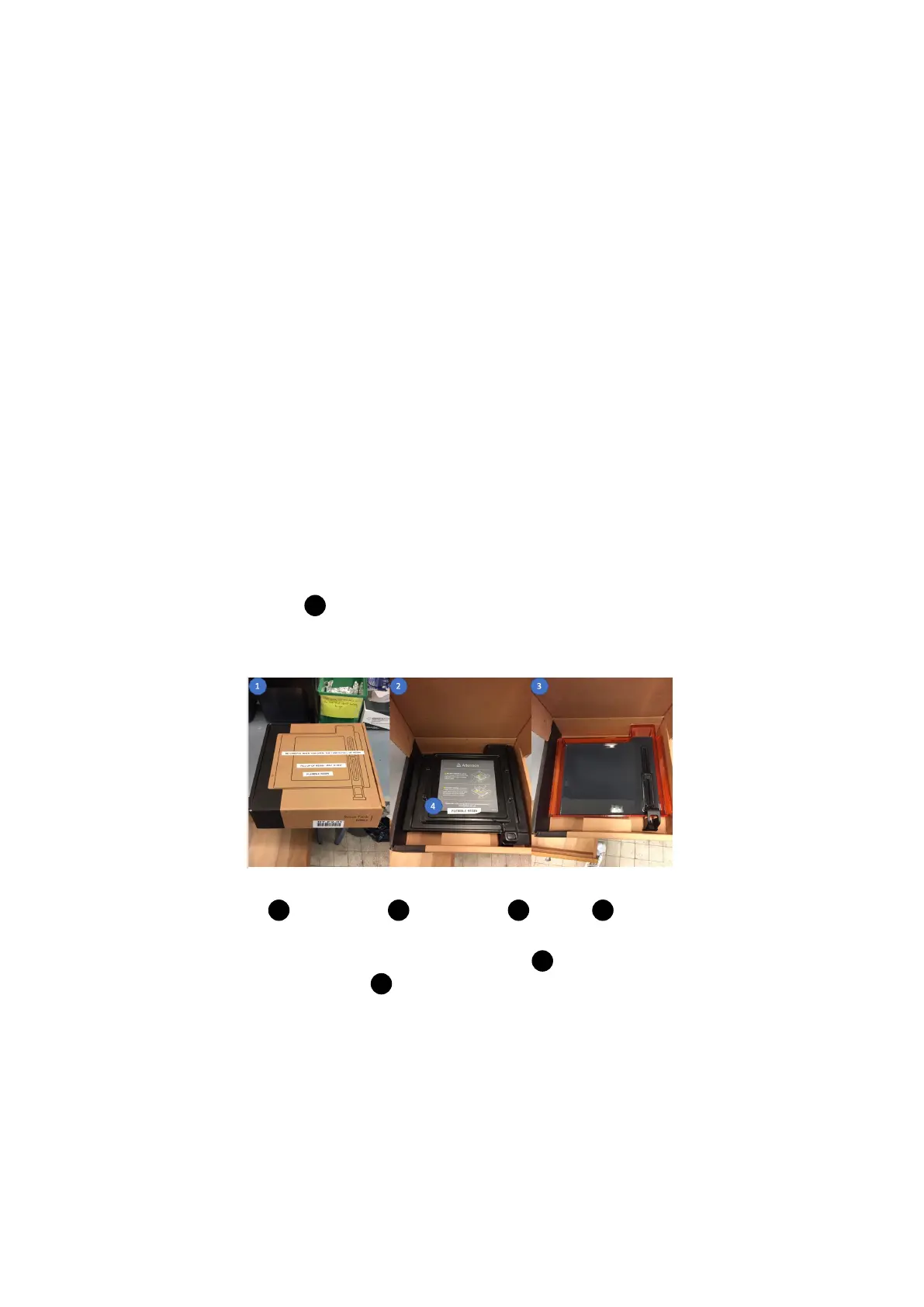
• Open the box 1 (Be careful when you move the box from cabinet).
• Put some gloves.
1 : Cardboard, 2 : Resin tank, 3 : Resin, 4 : Lid
• Remove the tank by handling only the sides 2 . Don’t touch the optical
window on the resin tank 1 .
7



 To Next Page