3D PRINT - FormLab 2 CHAPTER 2. START UP
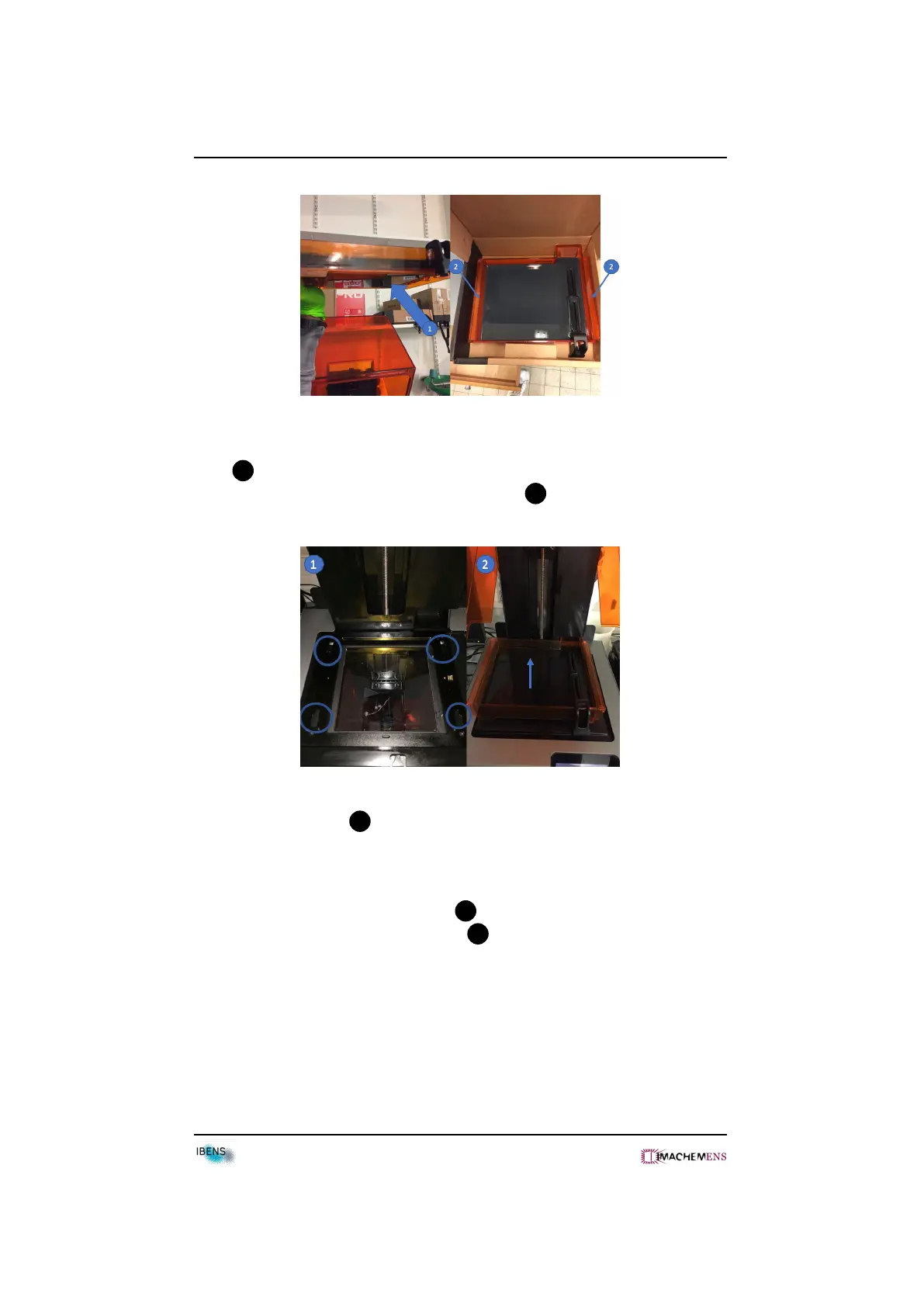
• Insert the resin tank by aligning the four feet of the resin tank into the four
holes 1 .
• Push the tank toward the rear of the 3D print 2 .
• Remove the tank lid 4 .
• Inspect the resin tank on the bottom side. If you can see some dust or resin,
go to cleaning chapter.
• Put the wiper into the wiper mount 2 .
• Push the wiper against the resin tank 3 .
8



 To Next Page