3D PRINT - FormLab 2 CHAPTER 2. START UP
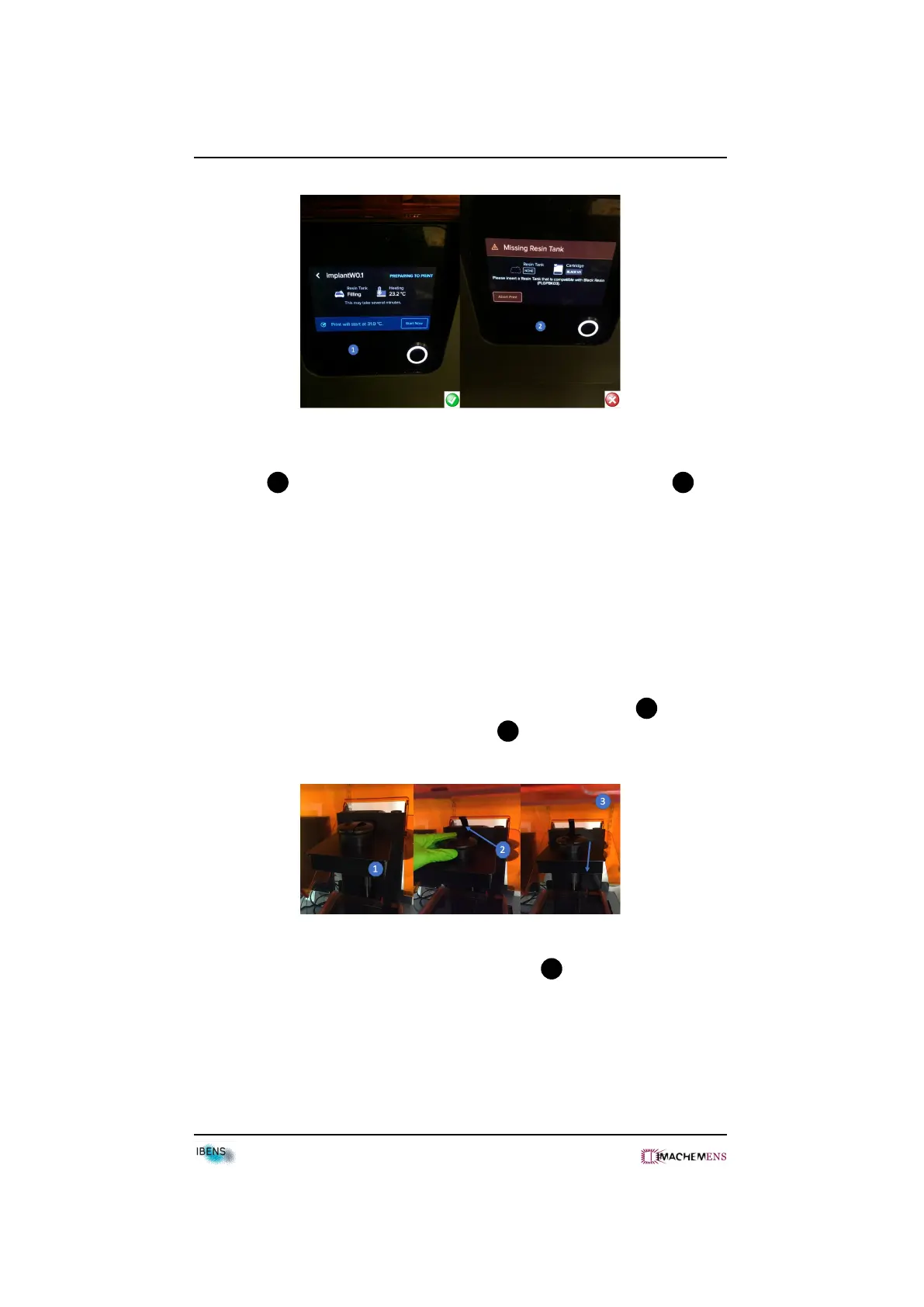
• The resin tank will fill and heap up to around 31 degrees and then automati-
cally start 1 . Check the tank position if you get some error message 2 .
2.5 Remove the Build platform
Be careful : Always remove the build platform before removing the
resin tank.
• Put some gloves to remove the build platform.
• Put the handle to up and slide the build platform towards you 2 .
• Remove the build platform from the Print 3 .
• Turn the platform over to prevent resin dripping 5 .
• Remove your print from the build platform.
12



 To Next Page