Chapter 1
Set Up
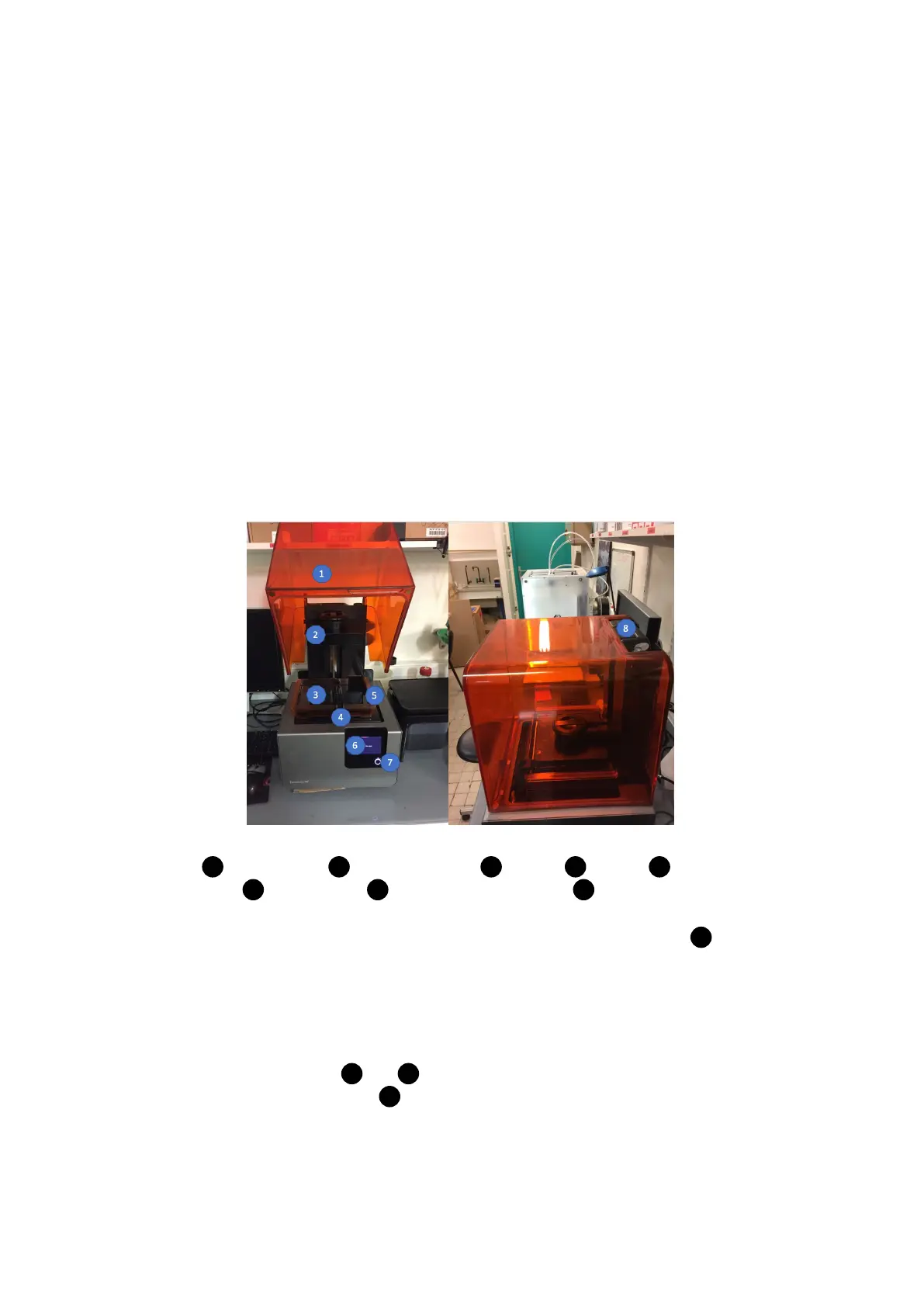
1 : Print Cover, 2 : Build platform , 3 : Resin, 4 : Wiper, 5 : Resin
Tank, 6 : Touchscreen, 7 : Sleep / Confirm button, 8 : Cartridge Resin.
• Turn on the printer with the Sleep button at the front to the 3D print ( 7 ).
1.1 Remove the resin cartridge
• Push down the cap 1 and 2 .
• Remove up the cartridge 3 .
3



 To Next Page