Chapter 3
Cleaning
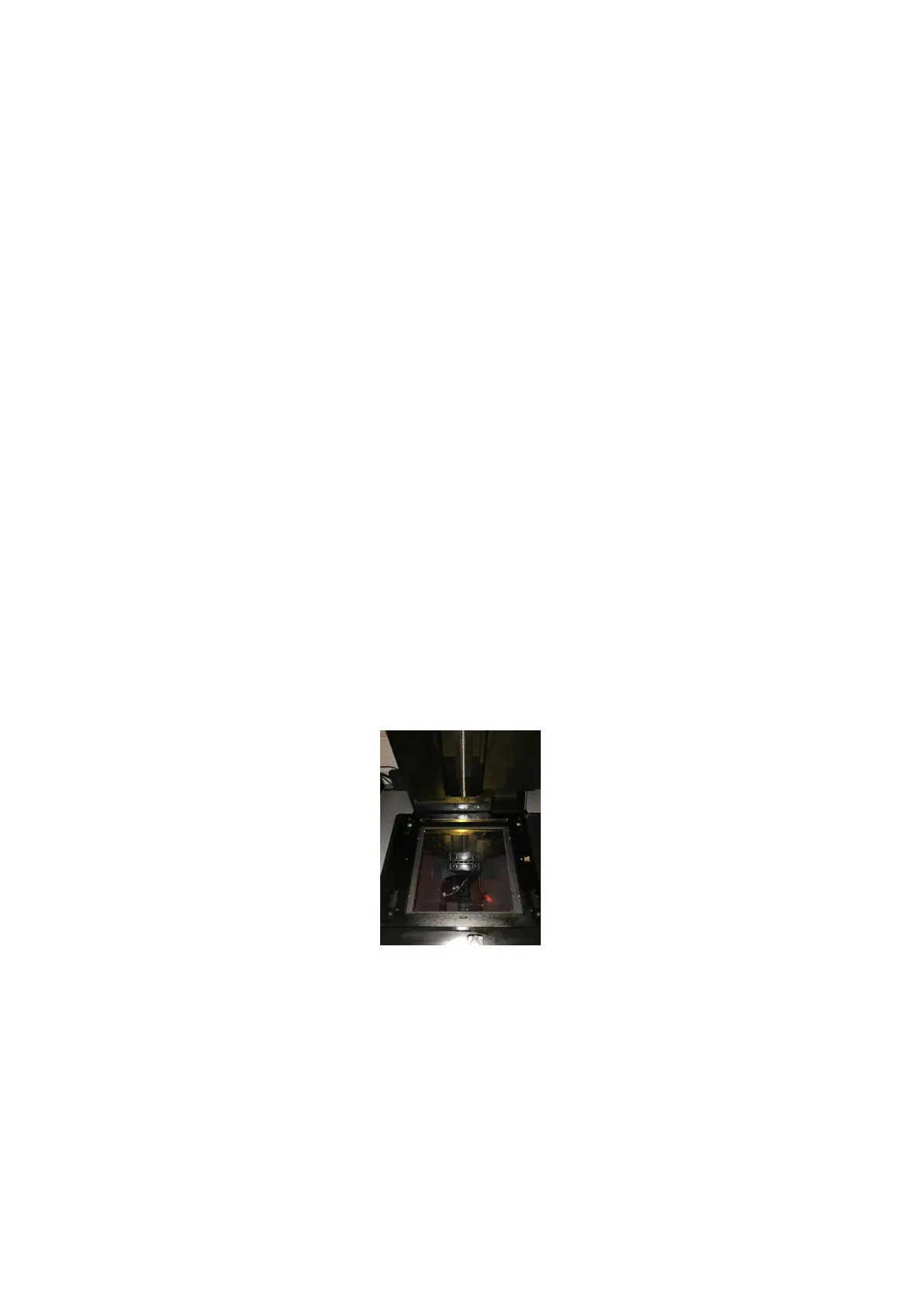
3.1 Cleaning the optical window
• Inspect the optical surface.
If you can see some dust :
• First, remove the dust with a rubber bulb air blower.
• And then R-remove the dust with a dry wipe (moving from the top to the
bottom and then from the left to the right side of the optical window).
If you can see some resin, fingerprints... :
• Put a small amount of isopropyl alcohol to an optical paper.
• Clean the glass surface with a wet wipe by moving from the top to the bottom
and then from the left to the right side of the optical window.
• Clean the glass with a dry wipe to finish.
15



 To Next Page