7
VALET CODING ENABLED (OPTIONAL):
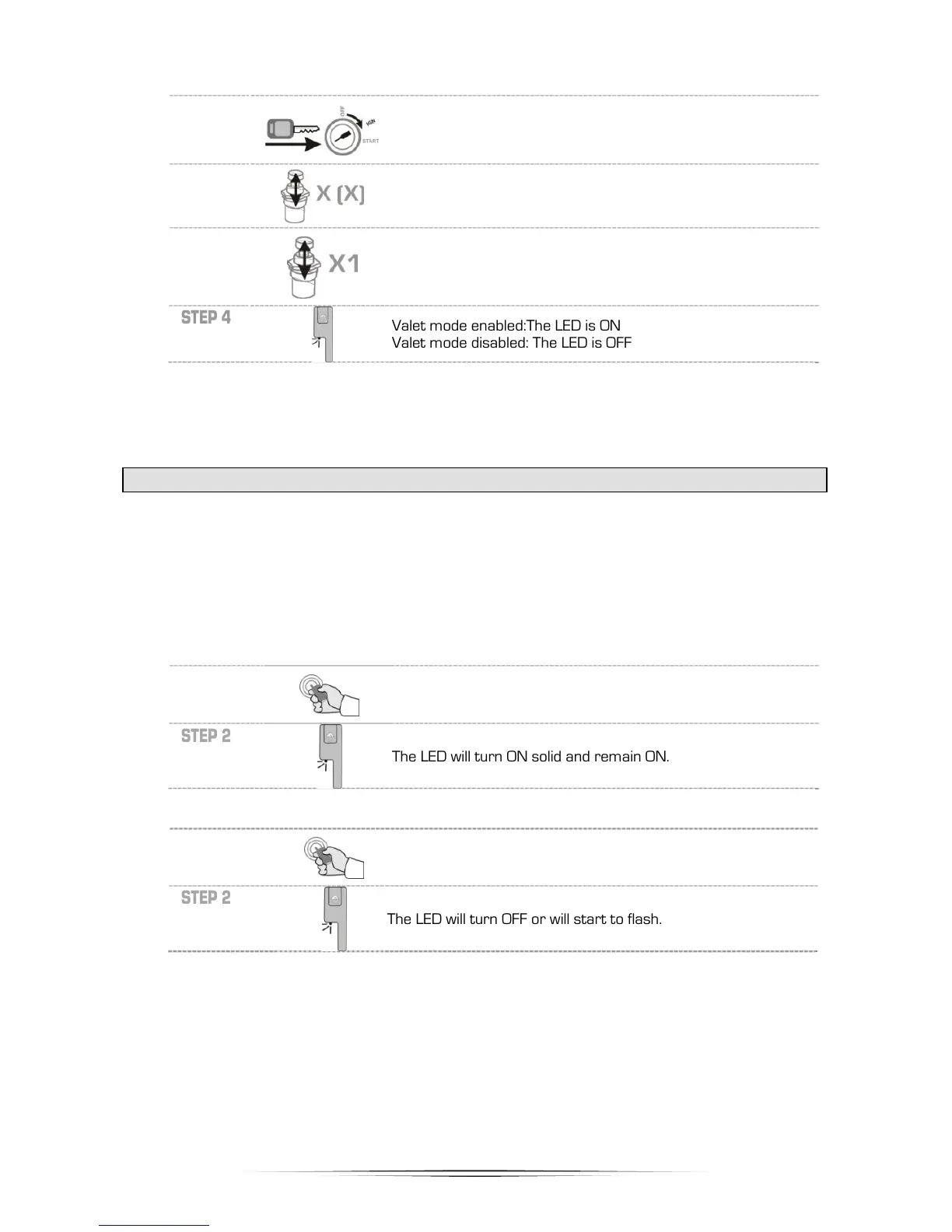
To activate and deactivate Valet Mode using the valet switch proceed with the following steps:
STEP 1
Insert the key and turn it to the ignition (ON/RUN) position.
The vehicle does not need to be started.
STEP 2
Within 10 seconds press and release the valet button 3 to 7
imes (X = valet code) for 1 second. If your valet code is 7 then
press and release the valet button 7 times.
STEP 3
Press and hold the valet button once for 3 seconds to finish
alet mode disabled: The LED is OFF
Note: The coded valet option allows a selection of one of the five available codes. Once the
installer chooses one of the codes, note the value here so you do not forget
it_____________________.
VALET MODE (VIA REMOTE)
Valet Mode disables the remote-starter and alarm. Whenever the vehicle is being serviced or
repaired, or the vehicle is parked indoors it is mandatory that Valet Mode be enabled to prevent an
accidental Remote-Start.
Note: The alarm system is deactivated (including Starter Kill) when the system is in Valet Mode.
However you are still able to lock & unlock the doors, and release the rear hatch/trunk. This method
of enabling/disabling Valet Mode uses the remote transmitter instead of the valet switch indicated in
the preceding section.
To enter Valet Mode using the remote transmitter proceed with the following steps:
STEP 1
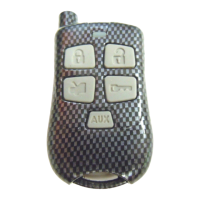
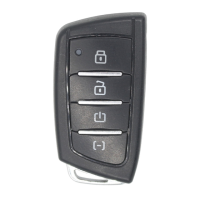
Simultaneously press the LOCK and UNLOCK buttons for 1
second. The parking lights will flash once.
STEP 2
The LED will turn ON solid and remain ON.
To exit Valet Mode using the remote transmitter proceed with the following steps:
STEP 1
Simultaneously press the LOCK and UNLOCK buttons for 1
second. The parking lights will flash once.
STEP 2
The LED will turn OFF or will start to flash.



 To Next Page