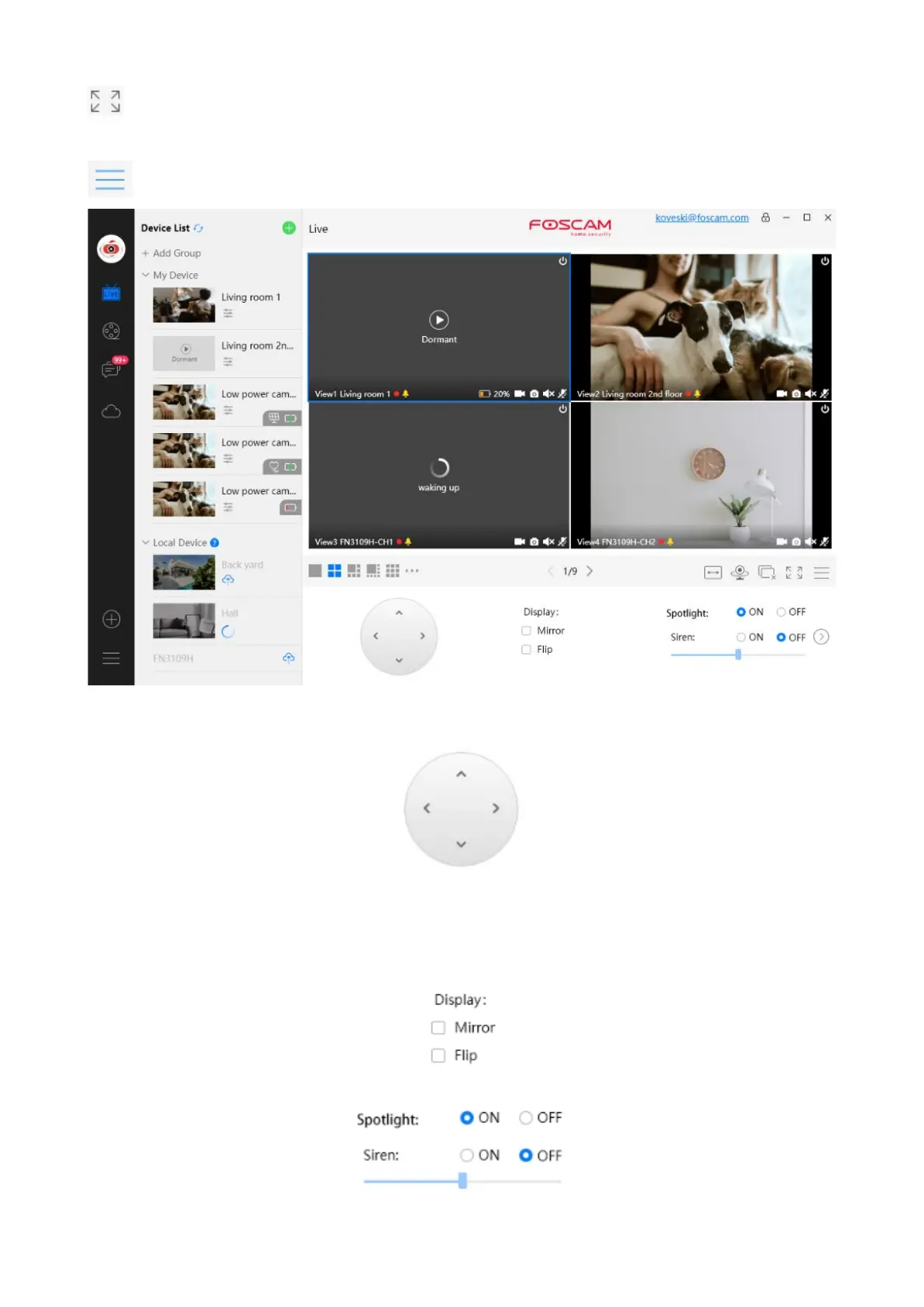
Full Screen ----- Click this button to enter full screen, Click this button to enter full screen, then
click to exit full screen.
Hide Bar ----- Click this button, Hide and show Pan / Tilt control Bar
Section6 Pan / Tilt control / Display / Spotlight and Siren
Pan / Tilt control: you can display the PT selection
1----- Up control button, 2-----Down control button,
3------Left control button, 4------Right control button,
Display: You can set Mirror or Flip.
Spotlight and Siren: You can set Spotlight and Siren


 To Next Page