2) Audio input interface: The jack is used to plug external microphone.
3) Audio output interface: The jack is used to plug external speakers.
4)LAN: 10/100M adaptive Ethernet interface. Through this interface, IPCAM can be connected
with various network devices, such as hub, router, etc.
5)Power Interface: Connect the external power adapter, request for 12V/2A power.
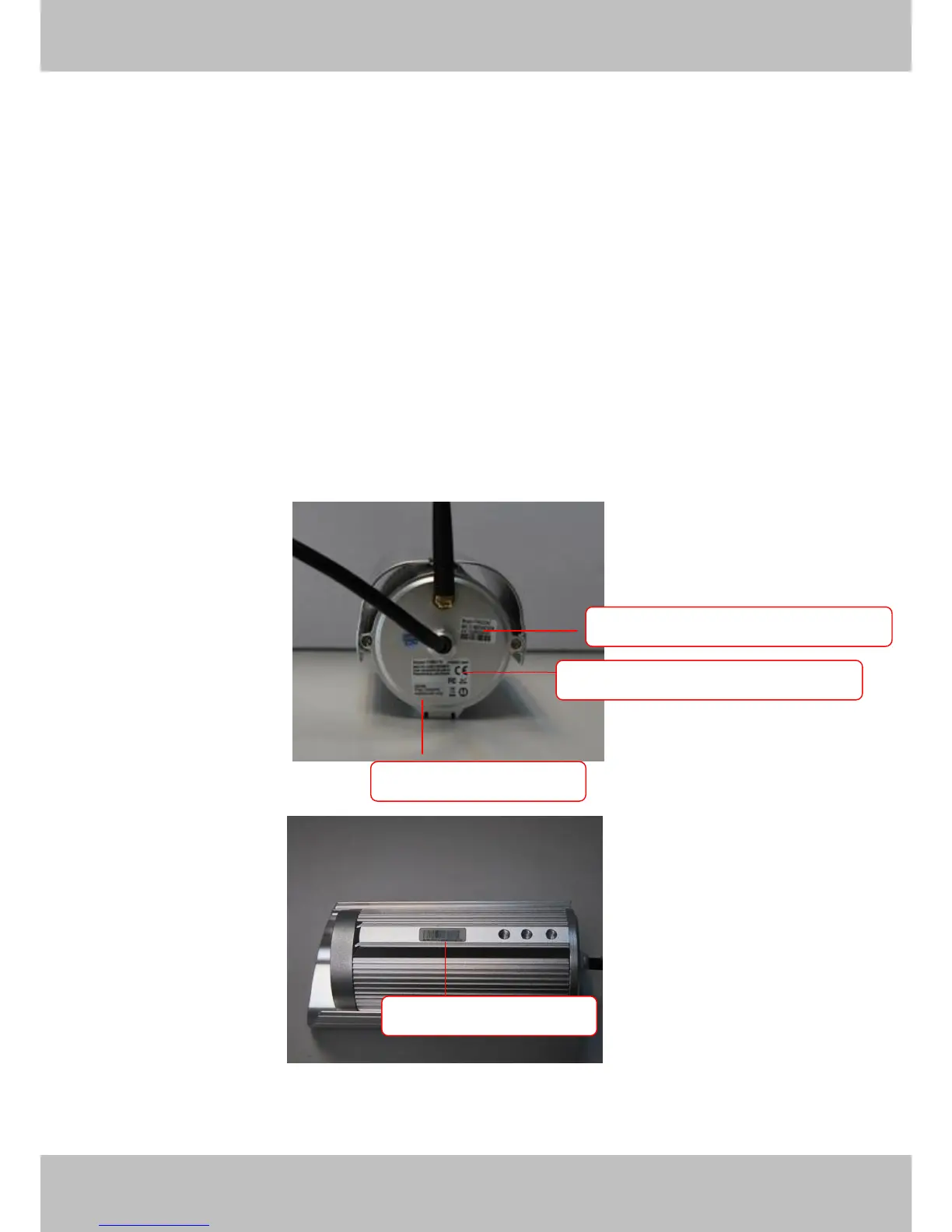
Bottom View
There are up to three labels located at the bottom of the camera; this is an important feature of
original Foscam cameras. If your camera does not have labels as shown in Figure 1.3, it may be
a clone. Cloned Foscam cameras can not use original firmware and are not eligible for warranty
or technical services.
Figure 1.3



 To Next Page