Foscam Digital Technologies
Telephone: 1-800-930-0949 21
w
w
www
www
.foscam.
.foscam.
us
us
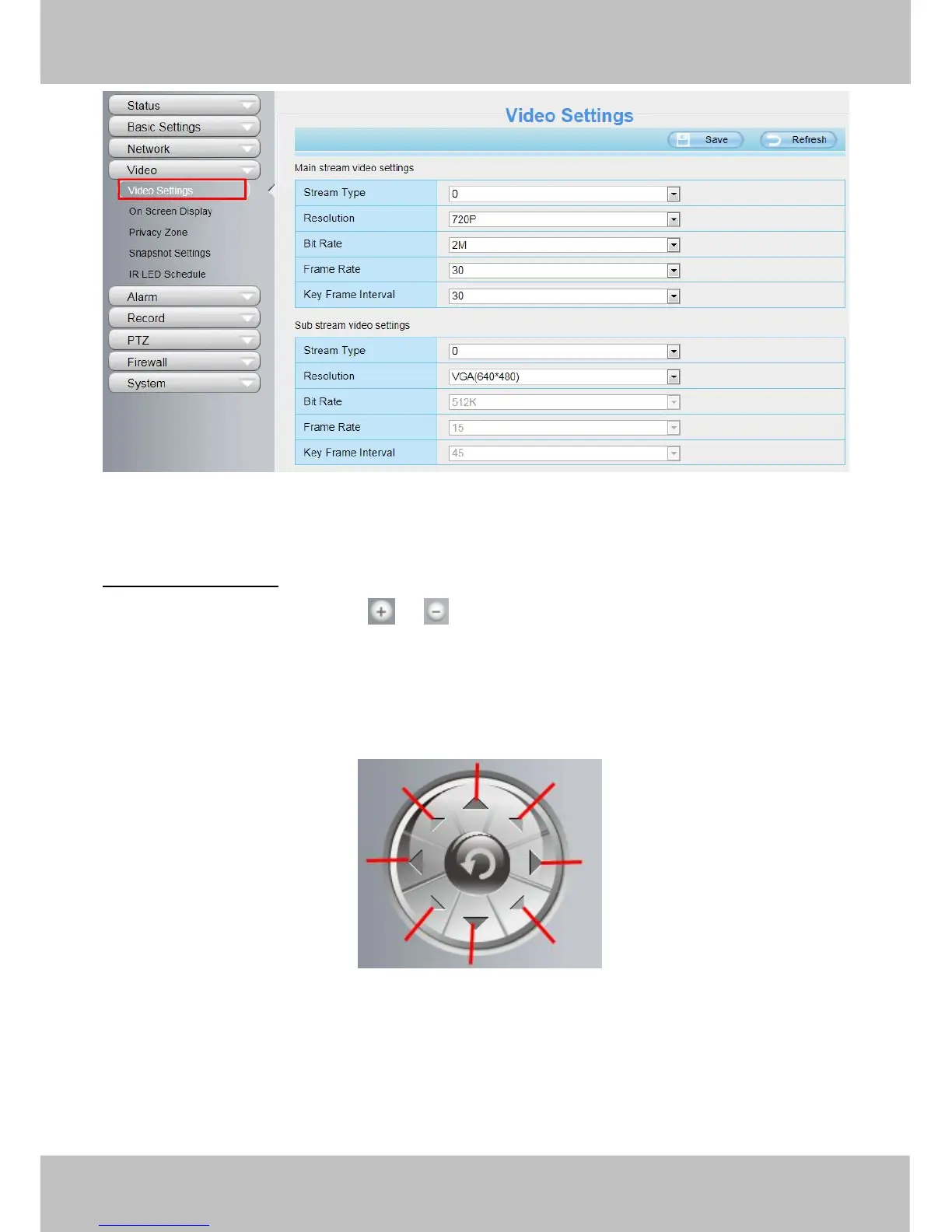
Figure 3.10
After changing, please re-login the camera and you can see the modification.
“Zoom in”or“Zoom out”
Device Support 3x zoom feature, click or ,The focal length of the camera lens will be larger or shrink,
you can adjust the focus distance to the target object size, access to high-definition screen.
Section4 Pan/Tilt Control
1------ Up control button
2------ Down control button
3 ------ Left control button
4------ Right control button
5 ------ Up-Left control button
6------ Up-Right control button
7 ------ Down-Left control button
8------ Down-Right control button



 To Next Page