via internet would be http://cp4911.myfoscam.org:8000
Restore DDNS to factory: If you have configured Third Party DDNS successfully, but you want to use
Manufacturer's DDNS again , here click this button and start Manufacturer's DDNS Service.
Third Party Domain Name Settings
User can also use third part DDNS, such as www.no-ip.com, www.3322.com
Here take www.no-ip.com for example:
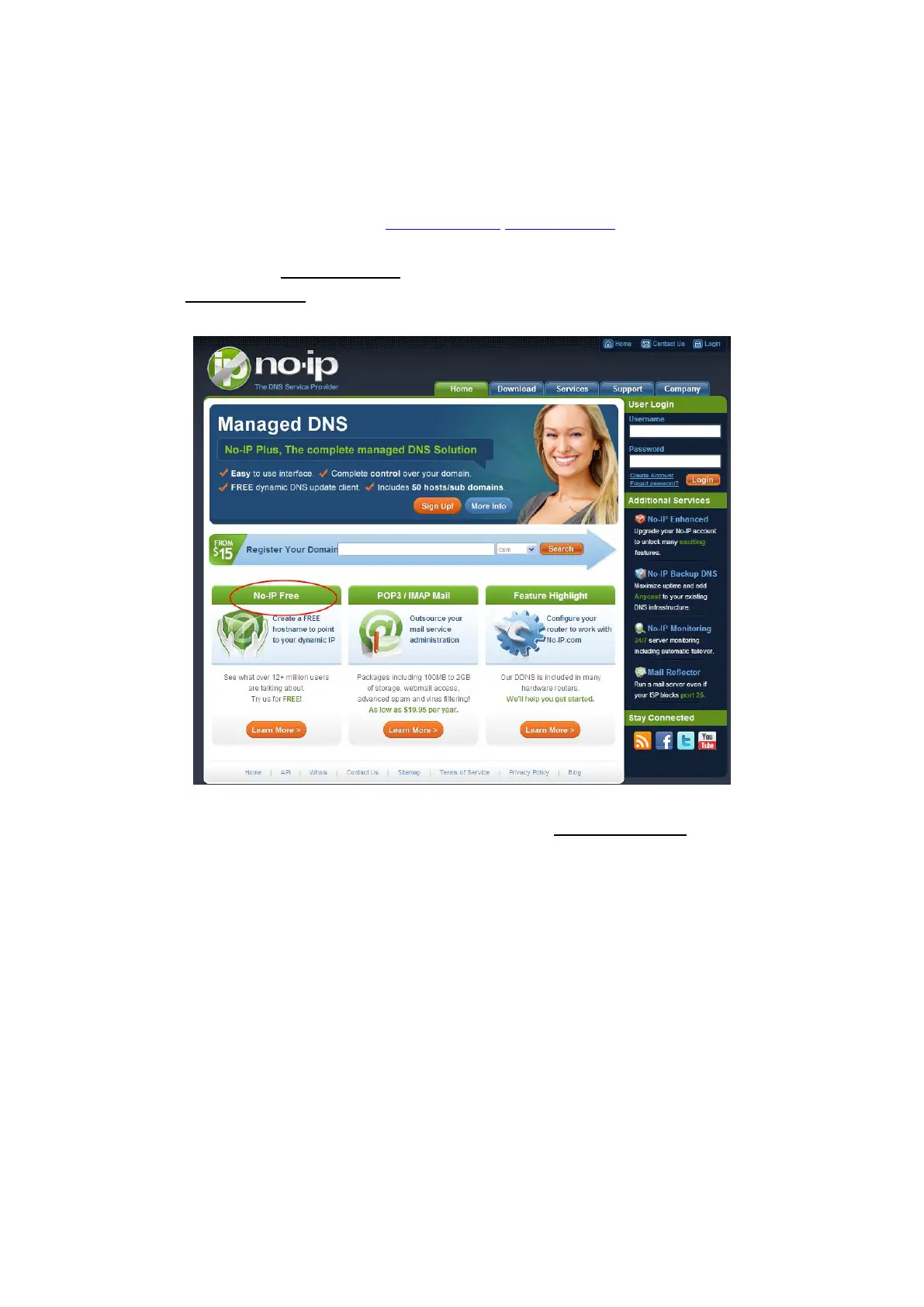
① Step 1 Go to the website www.no-ip.com to create a free hostname
Firstly: Login on www.no-ip.com and click No-IP Free to register.
Please register an account step by step according to instructions on www.no-ip.com
After registration, please login your email which used to register. You will receive an email from website, please
click the link to activate your ACCOUNT as indicated in email.
Secondly: Login the link with the registered username and password to create your domain name.



 To Next Page