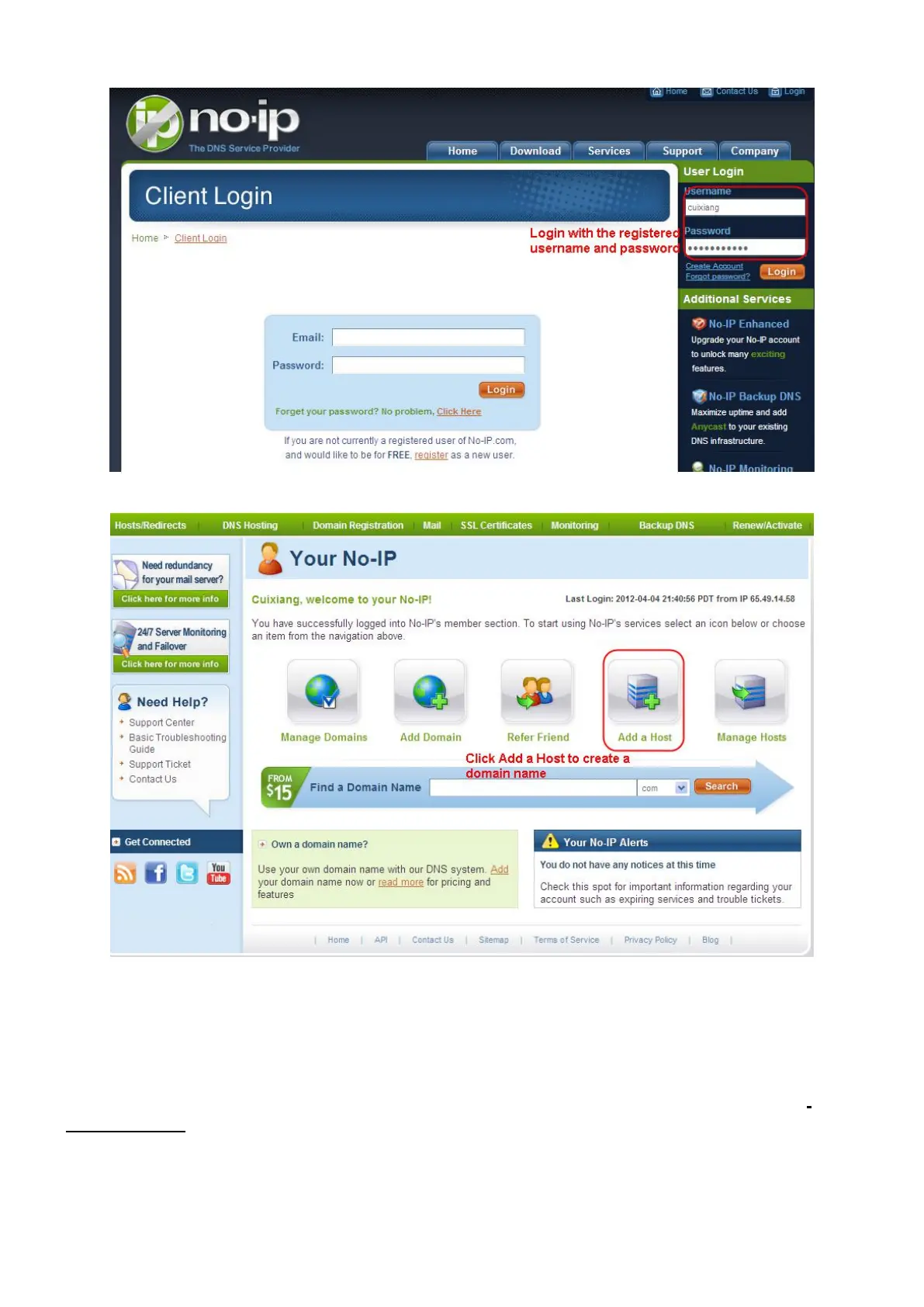
Please create the domain name step by step according to instructions on www.no-ip.com
Step 2 DO DDNS Service Settings within the Camera
Please set DDNS Settings within the camera by hostname, a user name and password you've got from
www.no-ip.com
Take hostname ycxgwp.no-ip.info, user name foscam, password foscam2012 for example.
Firstly, goes to option of DDNS Settings on the administrator panel.
Secondly, select No-Ip as a server.



 To Next Page