30
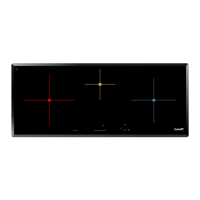
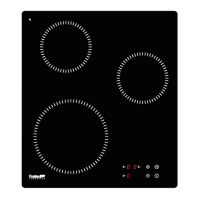
Control panel locking
To avoid modifying a setting of cooking zones , in particular during of cleaning the control panel
can be locked (with exception to the On/Off key [ 0/I ]).
Locking :
Action Control panel Display
Start press on key [ 0/I ] [ 0 ] or [ H ] on displays
Hob locking press simultaneously [ B ] and [ 0 ] no modification
from the front right** zone display
re-press on display [ 0 ] [ L ] on displays
Unlocking :
Action Control panel Display
Start press on key [ 0/I ] [ L ] on displays
In the 5 seconds after start :
Unlocking the hob press simultaneously [ B ] and [ 0 ] or [ H ] on displays
[ L ] from the front right** zone display
press on key [ B ] no light on the displays
** for the 7330240 use the rear right zone display


 To Next Page
 Loading...