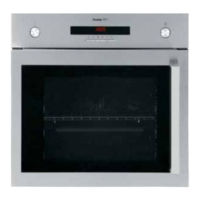
DESCRIPTION OF THE CONTROL PANEL
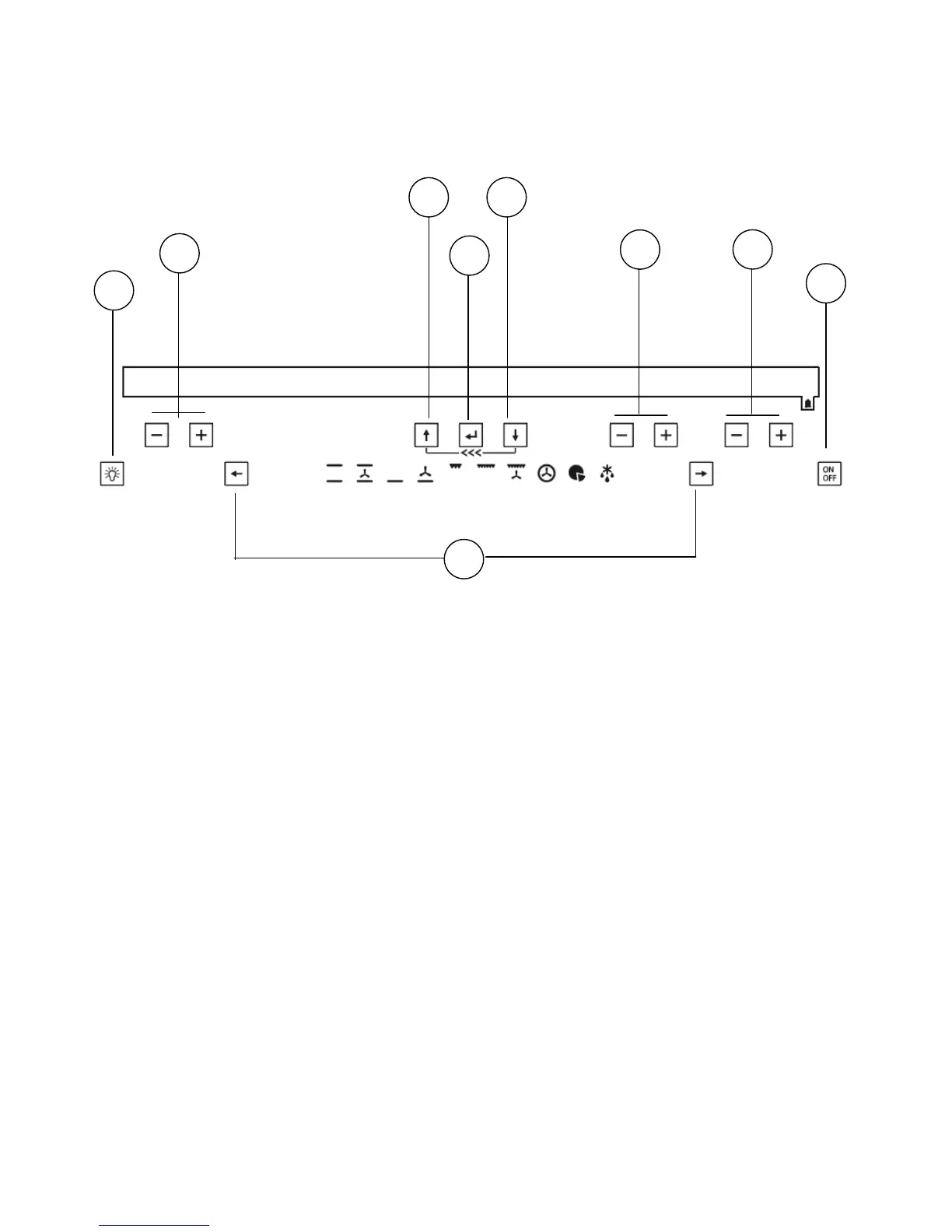
Description of the keys
1. Keys for setting the cooking chamber temperature and display area for the temperature
indication ( + to increase, - to decrease, min 50°C – max 250°C)
2. and 9. Menu options scrolling keys
3. Keys for programming timed events and display area for timing indication
4. Keys for programming the alarm or setting the clock and display area for clock / alarm
indication
5. Cooking chamber light on / off key
6. Oven on / off key
7. Cooking function selection keys
8. Selection confirmation key
9. and 2. Menu options scrolling keys
1
3
4
6
5
7
8
92
38



 To Next Page