HOW TO ACTIVATE A PYROLYSIS CYCLE
NOTES / WARNINGS
During automatic cleaning, the surfaces of the oven become very hot. Keep children away.
Through the glass of the oven door, you may note some particles that light: this is spontaneous
combustion, which is absolutely normal and is in no way dangerous.
OPERATIONS TO PERFORM BEFORE STARTING PYROLYSIS
x Use a damp sponge to remove the most consistent residues. Do not use detergents.
x Extract the accessories, drip pans, racks, and side guides.
x Do not leave rags or pot holders on the handle of the oven door.
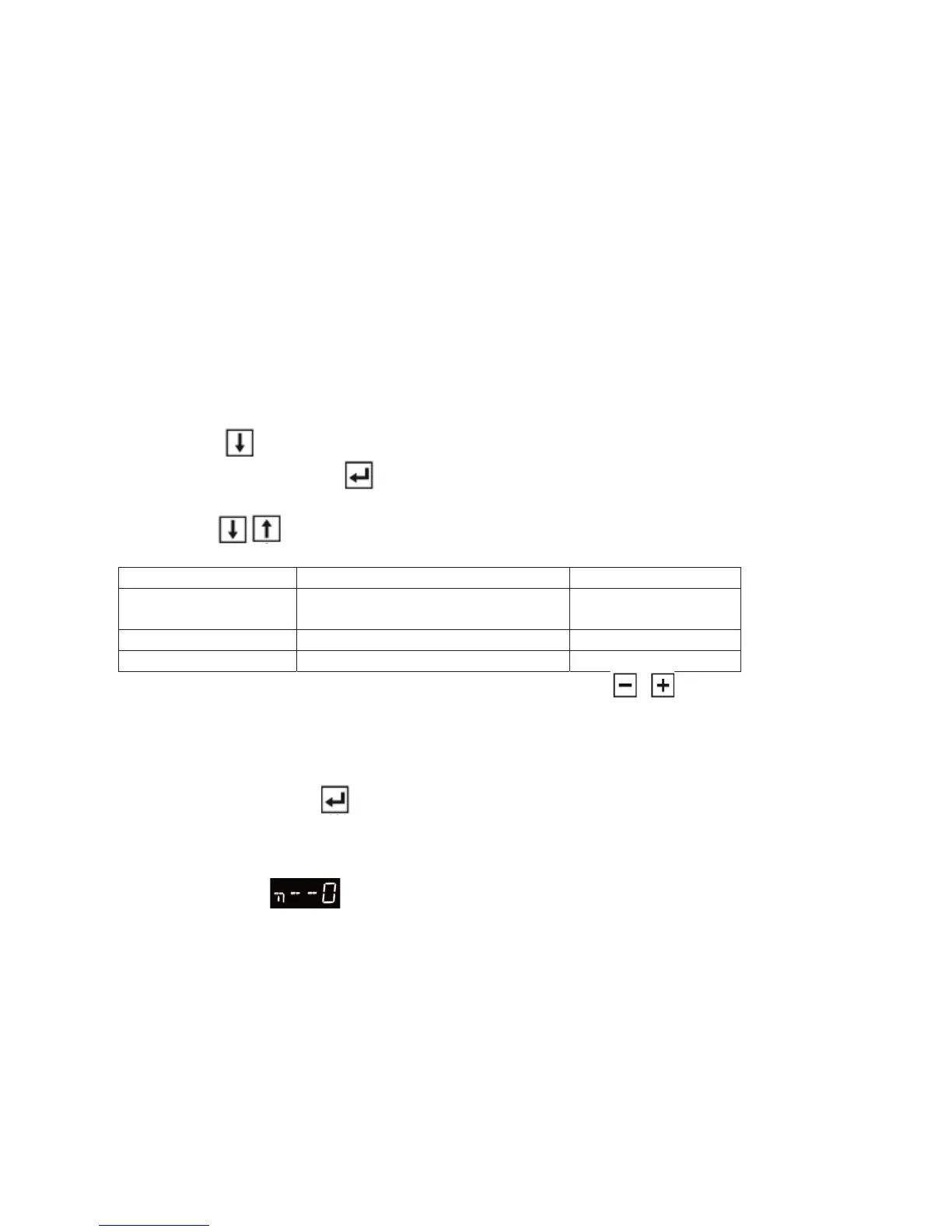
Turn on the oven. When the following message is displayed:
moSELECT COOKING MENU
press the key:
(9) until you see: “ PYROLYSIS “.
Confirm the selection with key
(8)
Use the keys
(2-9) to select the type of pyrolysis that is most suitable according to the
times in the following table:
Menu items PRE-SET TIME (in hours) TYPE OF SOILING
MEDIUM
PYROLYSIS
1, 30 NORMAL
SHORT PYROLYSIS 1 little
LONG PYROLYSIS 2 much
N.B. the time can be modified before starting the cycle with the keys (3) .
Minimum pyrolysis time 30min.
When you see the message: ACTIVATE CYCLEMENU
Activate pyrolysis with key
(8).
The door immediately locks automatically.
The following information is displayed:
x Key symbol
to show that door is locked.
x PYROLYSIS IN PROGRESS
x Pyrolysis time
x Current time
Note: During pyrolysis cleaning, the oven light stays off.
50



 To Next Page