9
PS1000 & PS1400 User Manual
Start-Up and Test Sequence
After unpacking, clean (cleaning directions supplied within this manual) and allow the appliance to stand for
60 minutes before turning on.
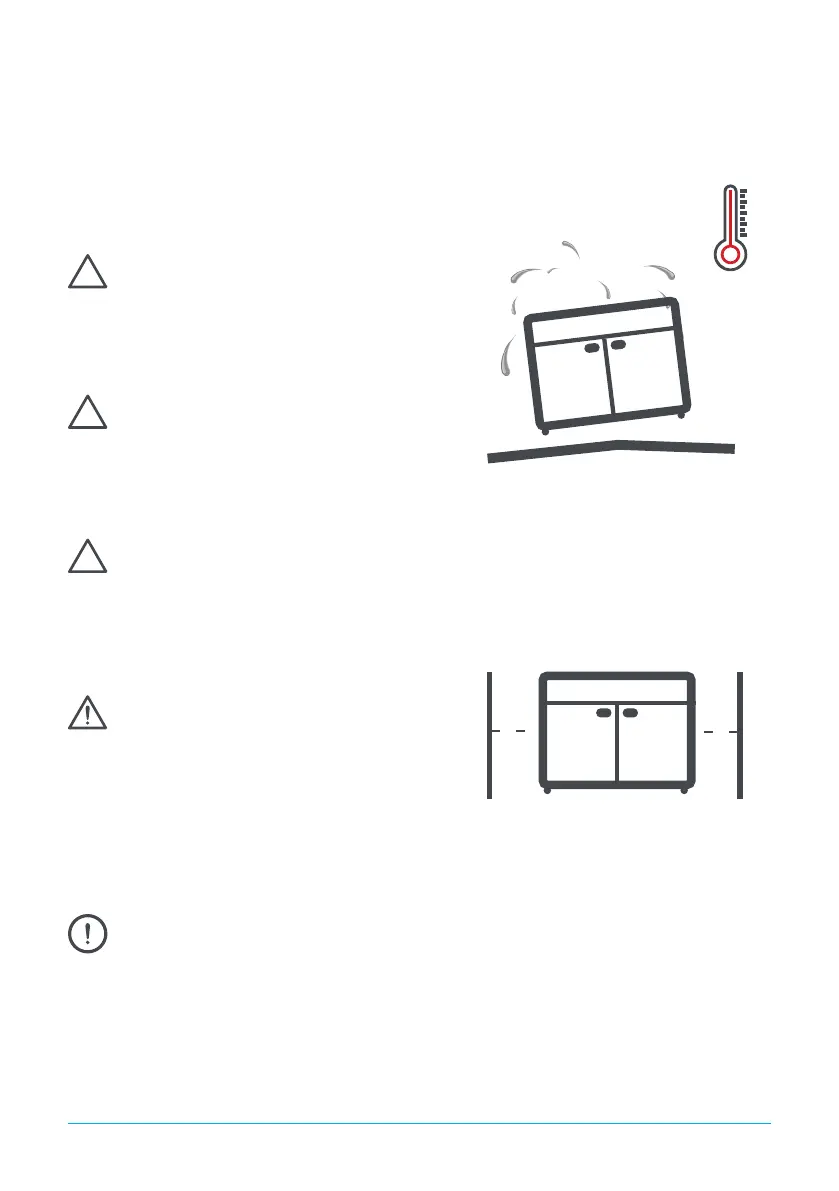
Ensure the appliance is situated on a rm, level surface,
away from both hot and cold air sources, as this will
aect its performance.
Place the appliance in a location so as not to exceed
the maximum rated ambient temperature.
The appliance produces warm air when operating
normally and requires adequate ventilation. The
dimensions indicated are a minimum.
As the operating temperature has been pre-set no adjustments are required. Allow the cabinet
to reach its normal operating temperature before loading with appliance.
Connect the appliance to a suitable power supply.
Do not connect or disconnect the appliance with
wet hands. The appliance will turn on automatically
displaying the actual internal temperature of the
appliance. If the display shows ‘oFF’ press and hold
button 4 for 4 seconds to turn on the appliance.
50mm
50mm


 To Next Page