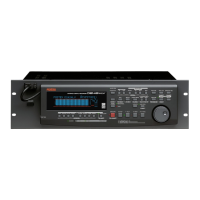
D-160 Owner's Manual (Names and Functions)
30
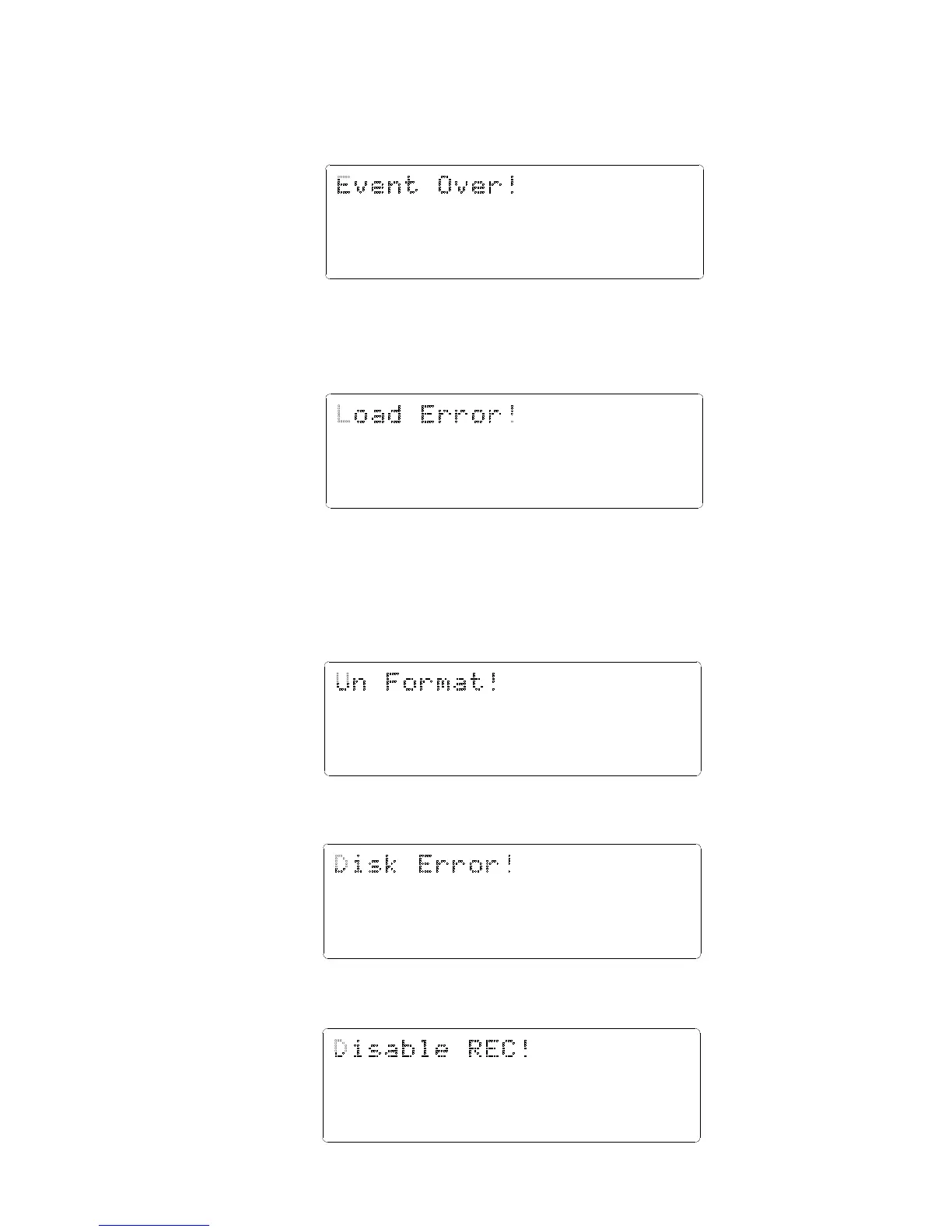
Event overflow indication (The editing points are overflowed)
Action to take:
You edited too much. The warning means "you cannot paste or erase any more."
In regards to event, refer to "Event and Audio File" in Before Operating section.
Load error indication (You cannot load data because the data input to the DATA INPUT
connector contains an error)
Action to take:
Check to see if there is an abnormality with the external digital machine
connected to the DATA INPUT connector, or cable. Try to "LOAD" again.
Recording Disable (Recording is disabled.)
Action to take:
Change the "Off" (recording) "Rec Protect ?" setting in Setup mode.
Disk error indication (This disk cannot be read)
Action to take:
Contact the Fostex service station as soon as possible.
Un-formatted indication (The internal hard disk is damaged or not formatted yet.)
After this message is shown for about 10 seconds, "FORMAT" in Setup mode will
flash on the display. Pressing the EXECUTE/YES key at this moment will erase
all data and reformat the hard disk.
Action to take:
Press the EXECUTE/YES key to format the disk. (All audio and other data on the
disk will be lost.)
9 1011121314151687654321
42
OL
0
30
24
18
12
9
6
3
∞
_
9 1011121314151687654321
42
OL
0
30
24
18
12
9
6
3
∞
_
9 1011121314151687654321
42
OL
0
30
24
18
12
9
6
3
∞
_
9 1011121314151687654321
42
OL
0
30
24
18
12
9
6
3
∞
_
9 1011121314151687654321
42
OL
0
30
24
18
12
9
6
3
∞
_


 To Next Page