D-160 Owner's Manual (Edit function)
85
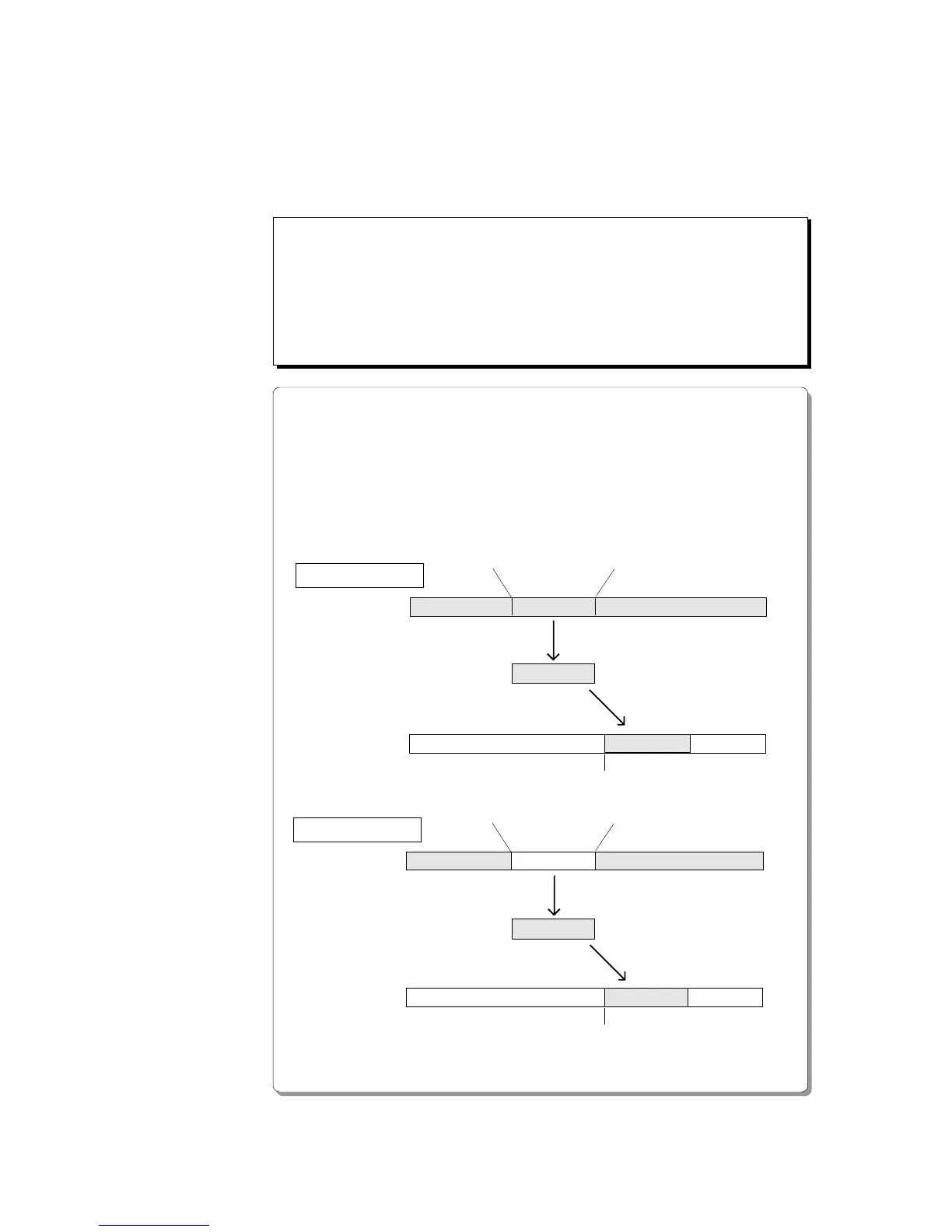
MOVE
PASTE
PASTE
CLIPBOARD OUT point
AUTO PUNCH IN point
CLIPBOARD OUT point
AUTO PUNCH IN point
Clipboard
Clipboard
COPY
Paste track
Source track
Paste track
Source track
Move & Paste
Copy & Paste
CLIPBOARD IN point
CLIPBOARD IN point
Edit Function
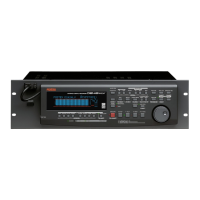
This chapter describes the various editing functions on the D-160.
The D-160 uses a hard disk as the recording media, which allows for non-
linear, non-destructive, quick audio editing. The edit function includes
the Copy & Paste, Move & Paste, and Erase functions.
<Precautions for editing>
The D-160 accommodates ninety-nine Programs, P1-P99, each of which you can
record and edit individually. First, make sure that you are about to edit the correct
Program. If you start editing without first checking the Program, you may lose
important data. Refer to the Before operation section, “2-2. Program Change,” for
more information on how to set a Program. Do not change Programs or sampling
rates until a session is complete.
<Differences between Copy & Paste and Move & Paste>
* The Copy & Paste function allows you to copy data to the Clipboard, and paste it to
any location in any track. In this case, the copy source data remains as is, as does the
data on the Clipboard.
* The Move & Paste function is almost the same as the Copy & Paste, except that
executing the Move & Paste function will erase the move source data (the Clipboard
will be also cleared).


 To Next Page