D-160 Owner's Manual (Recording /Playback)
47
POWER
SHIFT
AUTO
CLIPBOARD PLAY
LOCATE ABS 0
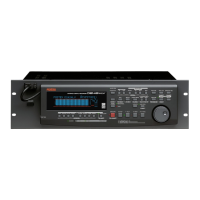
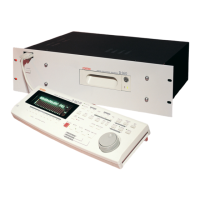
DIGITAL MULTITRACK RECORDER
D-160
IN / OUT
PUNCH
PGM CHANGE
8/167/156/145/134/123/112/101/9
RECORD TRACK
HD ACCESSLOCKED MTC IN
ENDIN OUTSTART
AUTO PUNCH
AUTO PLAY IN OUT
AUTO RTN
CLIPBOARD
PASTEMOVECOPY
AUTO RTN
ERASE UNDO REDO
DISP SEL
EXECUTE
/YES
EXIT
/NO
HOLD/ STORE RECALL
TIME BASE SEL
TAKE
REHEARSAL
LOCATEPUNCH
F FWDREWINDPLAYSTOPRECORD
VARI PITCH
LOCATE ABS END
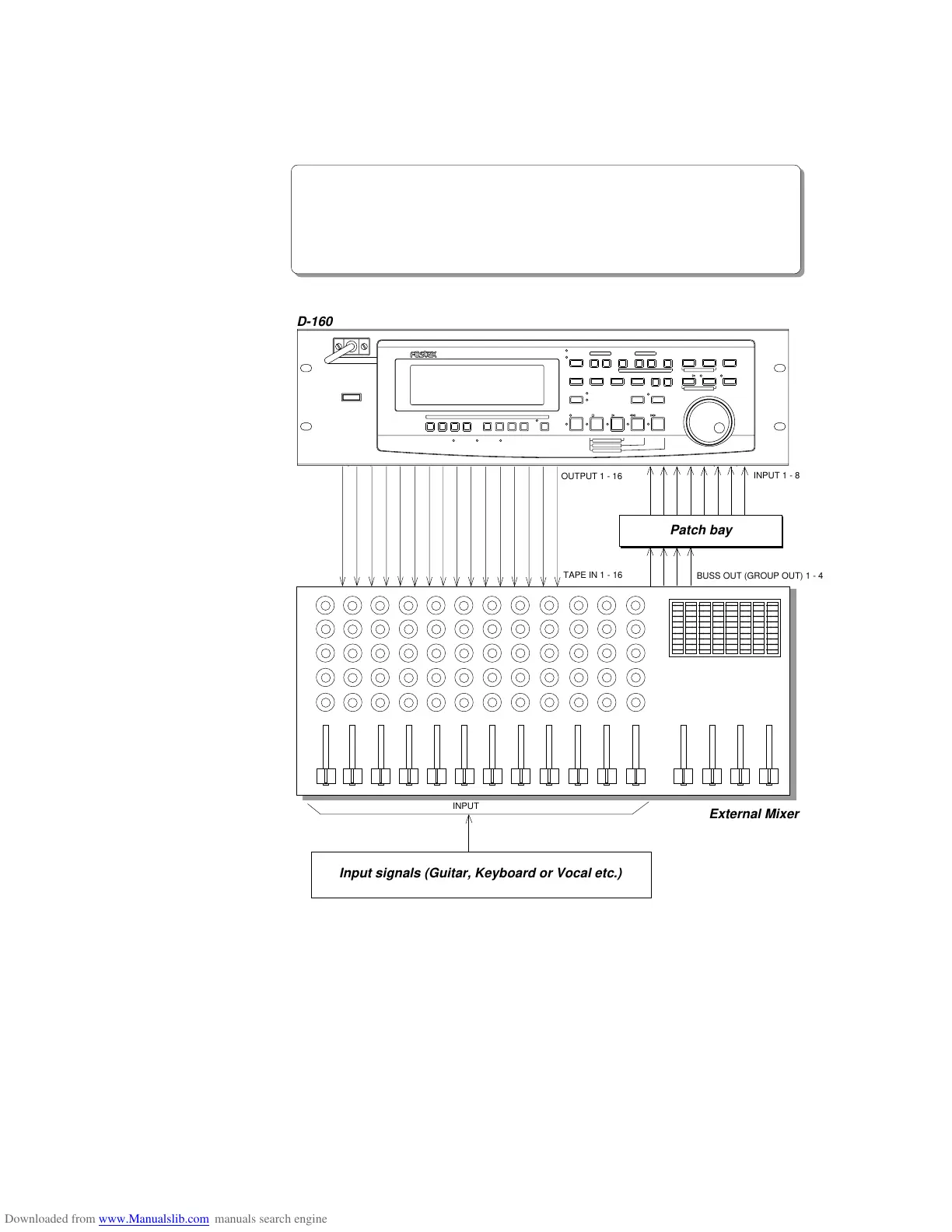
<Example-2>
Connecting a mixer equipped with 16 TAPE IN, 4 BUSS OUT (or GROUP OUT):
In this example, you would record tracks 1-4 first, then tracks 5-8, 9-12 or 13-16.
* Connect the mixer TAPE IN 1-16 with the D-160 OUTPUT 1-16.
* Connect the mixer BUSS OUT (or GROUP OUT) 1-4 with the D-160 INPUT 1-4 to record
tracks 1-4. To record tracks 5-8 and 13-16, connect INPUT 5-8 instead of INPUT 1-4.
(Using a patch bay allows you to change the connection from the front.)
INPUT
External Mixer
D-160
Input signals (Guitar, Keyboard or Vocal etc.)
Patch bay
BUSS OUT (GROUP OUT) 1 - 4
OUTPUT 1 - 16
TAPE IN 1 - 16
INPUT 1 - 8


 To Next Page