48
Mixer Functions
Turning the effect processor on or off
You can select the on or off of the effect processor.
• To turn on the effect processor
Press the [EFFECT/ON/OFF] key while holding down the
[SHIFT] key to illuminate the [EFFECT/
ON/OFF] key.
The effect processor is turned on and you can hear "wet"
sound.
• To turn off the effect processor
Press the [EFFECT/ON/OFF] key while holding down the
[SHIFT] key to illuminate the [EFFECT/
ON/OFF] key.
The effect processor is turned off and you can hear "dry"
sound.
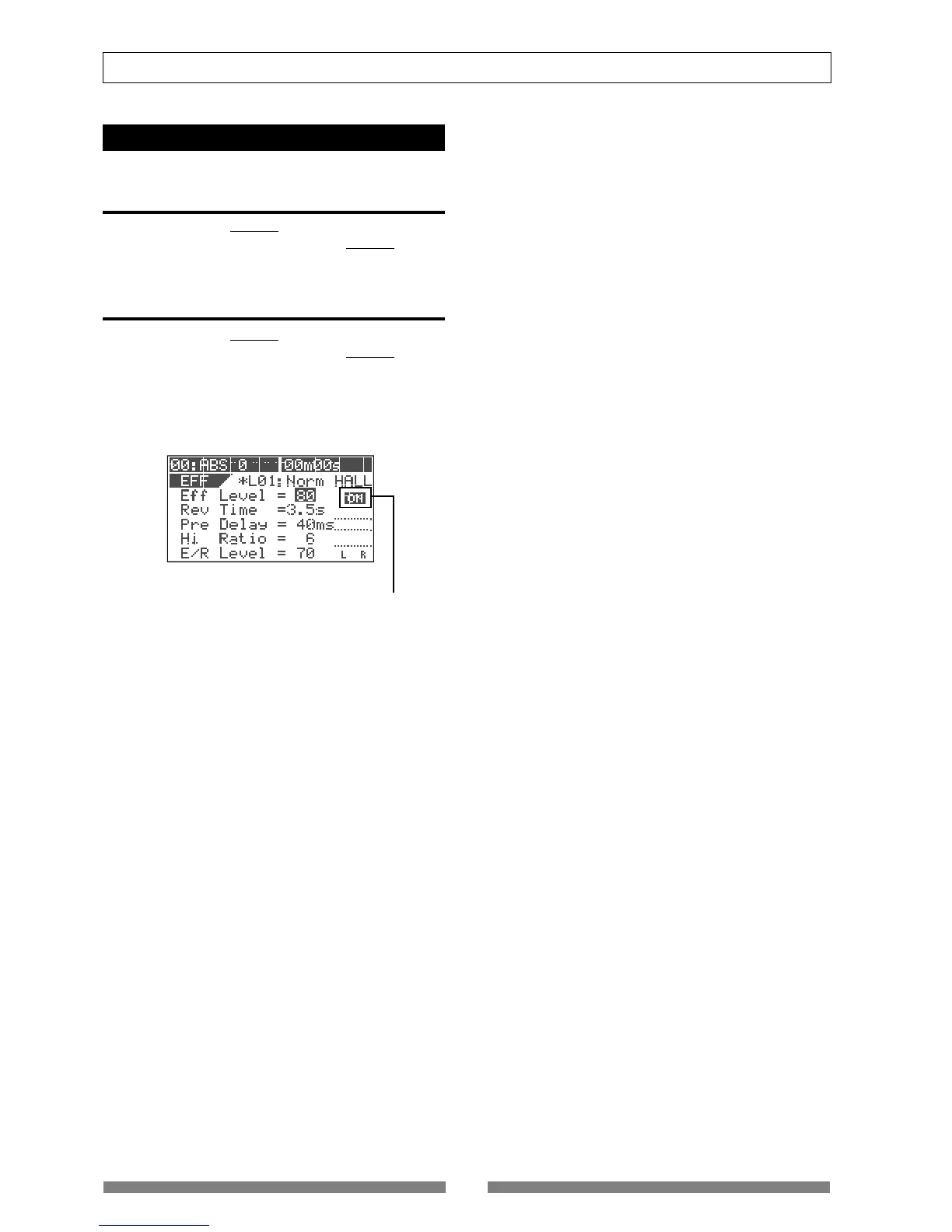
You can also see the on/off status of the effect proces-
sor in the effect type/parameter setting screen.
This icon shows the on/off status of the effect processor.


 To Next Page