
 Need help?
Do you have a question about the Foxconn A88GMV Series and is the answer not in the manual?
Details motherboard hardware specifications including CPU, memory, and expansion slots.
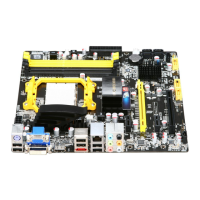
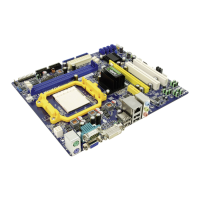
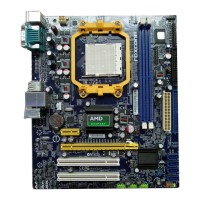
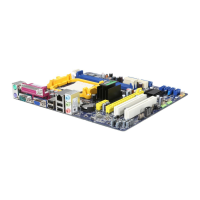
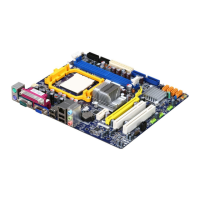
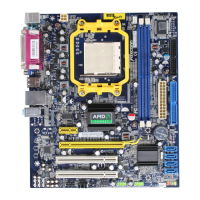
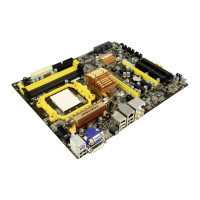
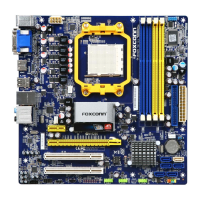
Illustrates the physical layout of motherboard components with numbered labels for easy identification.
Identifies and describes the function of each port on the motherboard's rear panel.
Step-by-step guide for safely installing the CPU and its associated cooling solution.
Instructions for correctly installing DDR3 memory modules into the motherboard slots.
Procedures for installing various expansion cards into PCI Express or PCI slots.
Guides on connecting essential internal components like power supply and front panel headers.
Explains jumper settings for customizing motherboard functions and clearing CMOS.
Details on installing necessary drivers and bundled software from the provided DVD.
Instructions on how to access the BIOS setup utility during system startup.
Displays essential system configuration details like BIOS version, CPU, and memory information.
Covers advanced settings for optimizing system performance and boot behavior.
Configuration options for onboard devices such as LAN, SATA, and HD Audio controllers.
Monitors system temperatures, fan speeds, and voltages for optimal operation.
Resets BIOS settings to factory defaults for optimal performance or troubleshooting.
Explains different RAID levels and their characteristics for data storage.
Guides through enabling RAID in BIOS and configuring RAID arrays for storage.
Instructions for creating a bootable RAID driver disk for OS installation.
Steps for installing Windows XP or Vista on a RAID-configured system.
 General
| Form Factor | Micro ATX |
|---|---|
| Socket Type | AM3 |
| Maximum Memory | 16GB |
| Audio | Realtek ALC662 6-Channel HD Audio |
| IDE | 1 x ATA133 |
| Onboard Graphics | ATI Radeon HD 4250 |
| Expansion Slots | 1 x PCIe 2.0 x16, 1 x PCIe 2.0 x1 |
| USB Ports | 12 x USB 2.0 |
| LAN | Realtek RTL8111E Gigabit LAN |


 To Next Page