
 Need help?
Do you have a question about the Foxconn A85GM Series and is the answer not in the manual?
Step-by-step guide for installing the CPU and its associated cooling solution.
Instructions for correctly inserting DDR2 memory modules into the motherboard slots.
Guidance on how to install various expansion cards into available slots.
Details on connecting internal power and data connectors to the motherboard.
Instructions on how to access the BIOS setup utility during system startup.
Explains the concepts, benefits, and types of RAID configurations.
Interface for configuring RAID arrays, including drive assignments.
Procedure for enabling RAID functionality within the system's BIOS setup.
Process of installing Windows XP on a newly configured RAID array.
 General
| Form Factor | Micro ATX |
|---|---|
| Memory Type | DDR3 |
| Storage Interface | 6 x SATA 6Gb/s |
| Chipset | AMD A85X |
| Expansion Slots | 1 x PCIe 2.0 x16 1 x PCIe 2.0 x1 1 x PCI |
| LAN | Realtek RTL8111E Gigabit LAN |
| USB Ports | 4 x USB 3.0 (2 on back panel, 2 via headers) |
| Video Outputs | 1 x D-Sub (VGA) 1 x DVI-D 1 x HDMI |

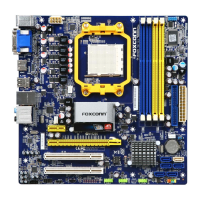
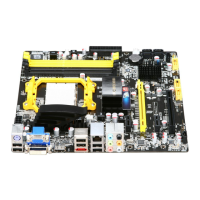
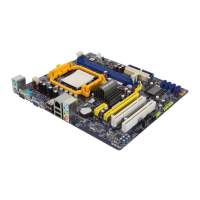
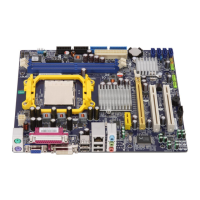


 To Next Page